

Still Reconciling Sales from December? Time to Upgrade to a Smarter POS System in 2026
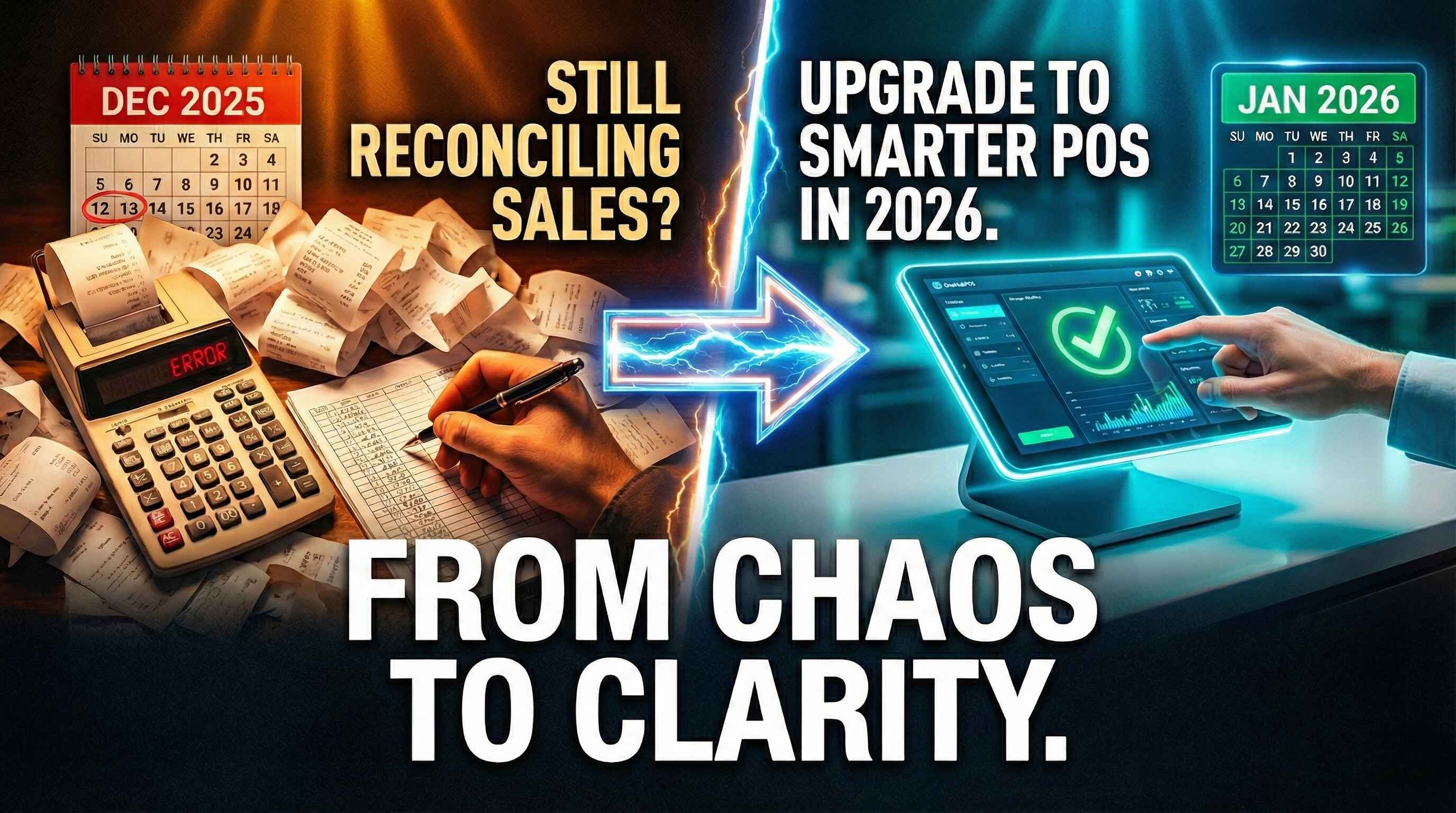
January has a way of exposing problems you didn’t have time to deal with in December.
The holiday rush is over. The footfall has slowed. Your team can finally breathe. And that’s when it hits you. Sales don’t match. Inventory numbers look off. Reports are missing. And you’re still trying to make sense of what actually happened during your biggest sales month of the year.
If you’re still reconciling holiday sales weeks after December ended, the issue isn’t your team. It’s your POS.
2026 is the year small businesses stop managing chaos and start running smarter operations. And the right POS upgrade can be the difference between starting the year stressed or starting it in control.
Let’s break down exactly why December exposed the cracks in most POS systems, and how upgrading to a smarter system like OneHubPOS sets you up for a far smoother year ahead.
See Also: 6 Reasons Why January is the Best Time to Upgrade Your POS
December Is Over. The Problems Aren’t.

For most small businesses — liquor stores, QSRs, cafés, and retailers — December is not just busy. It’s relentless.
- High order volumes
- New SKUs and seasonal items
- Temporary staff
- Heavy discounts and loyalty offers
- Multiple payment methods
- Delivery integrations running nonstop
Your POS is supposed to handle this pressure. But instead, many businesses end up:
- Missing end-of-day reports
- Guessing inventory numbers
- Exporting CSVs into spreadsheets
- Calling support lines that never respond
- And spending January fixing December’s mess
A new POS isn’t about fancy features. It’s about eliminating these recurring pain points before the next peak season hits.
Here’s how OneHubPOS solves the exact problems December created:
1. Print End-of-Day Reports — Anytime You Want
How many times did this happen in December?
- You forgot to print the end-of-day report
- The store closed late and staff rushed out
- The report wasn’t downloaded before midnight
- And now… it’s gone
With many legacy POS systems, if you miss the day, you miss the data.
OneHubPOS fixes that completely.
You can:
- Access historical end-of-day reports
- Print or download them anytime
- Revisit any date—last week, last month, or last year
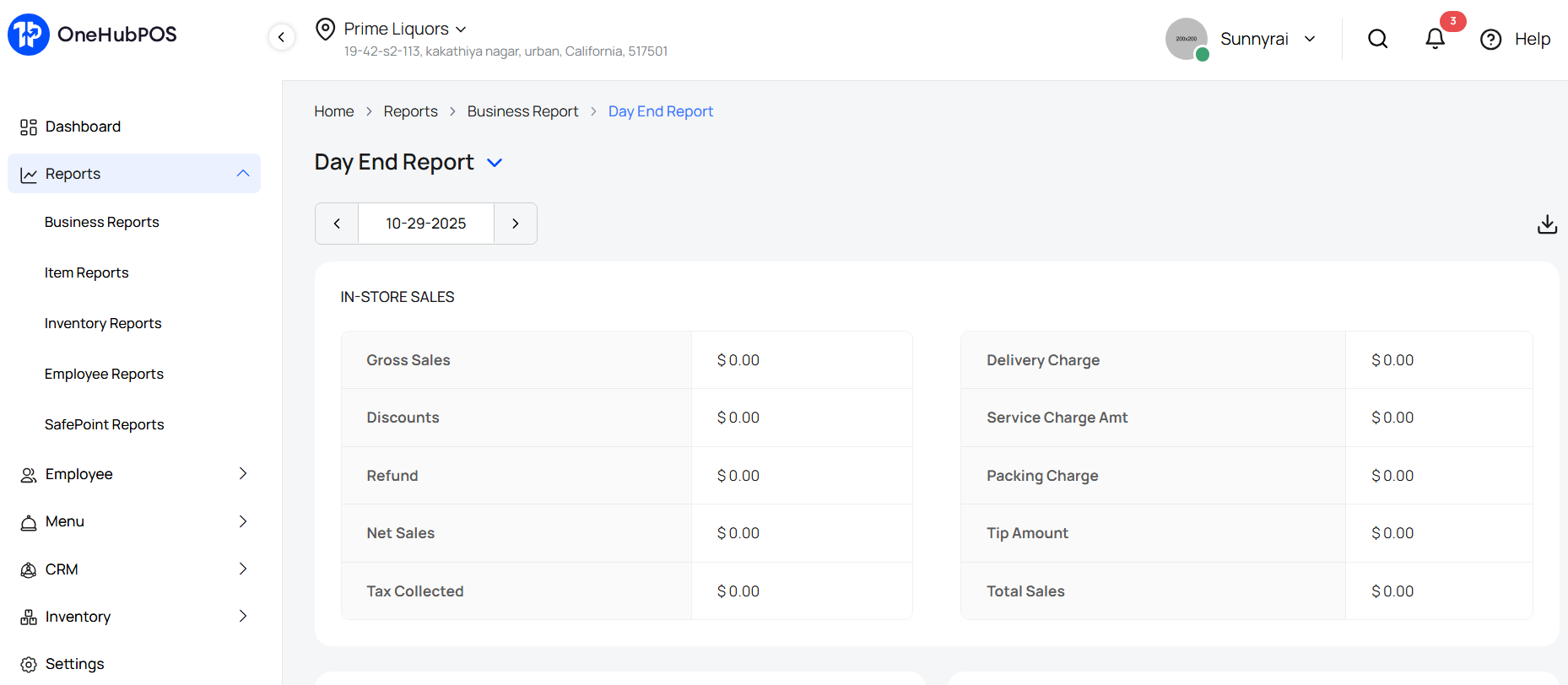
This is critical when you’re reconciling holiday sales, auditing revenue, or preparing financial statements in January.
No more panic. No more “we’ll estimate it.” Just clean, reliable records — on demand.
2. AI-Enabled Inventory That Fixes January Headaches
December inventory issues usually show up in January.
- Missing stock.
- Extra stock.
- Incorrect case quantities.
- Manual entries that don’t match invoices.
Traditional POS systems make inventory updates painfully slow, especially when vendors deliver multiple products in one go.
OneHubPOS uses AI-enabled inventory to remove this friction.
Here’s how it works:
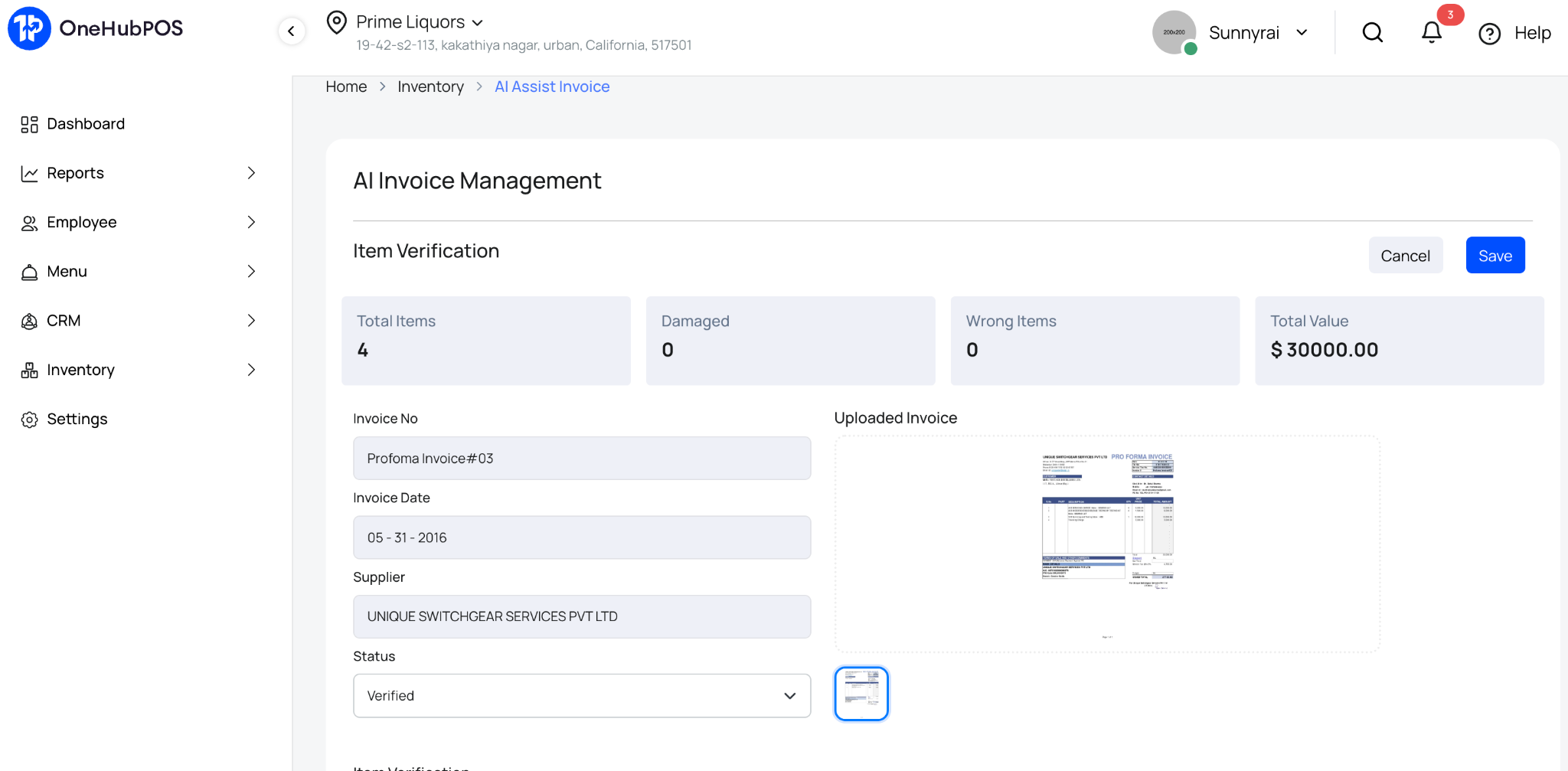
- Your staff scans the vendor invoice
- Items are automatically added to inventory
- Case-wise and item-wise details are captured
- No manual data entry required
This matters even more after December. Why? Because January is when businesses:
- Restock based on holiday demand
- Add new SKUs for the new year
- Clean up inventory errors from peak season
With OneHubPOS, inventory cleanup takes minutes, not weeks.
Must Read: Meet the AI Inventory System Built for American Retailers
3. Know What Actually Sold During the Holidays
Most businesses think they know their best-selling products. But assumptions don’t scale.
OneHubPOS gives you detailed sales reports that answer real questions, like:
- Which products sold the most during the holiday season?
- Which categories underperformed?
- What time slots drove maximum revenue?
- Did discounts actually increase volume, or just eat margins?
You can also analyze:
- Loyalty program performance
- Offer redemptions
- Campaign-wise sales impact
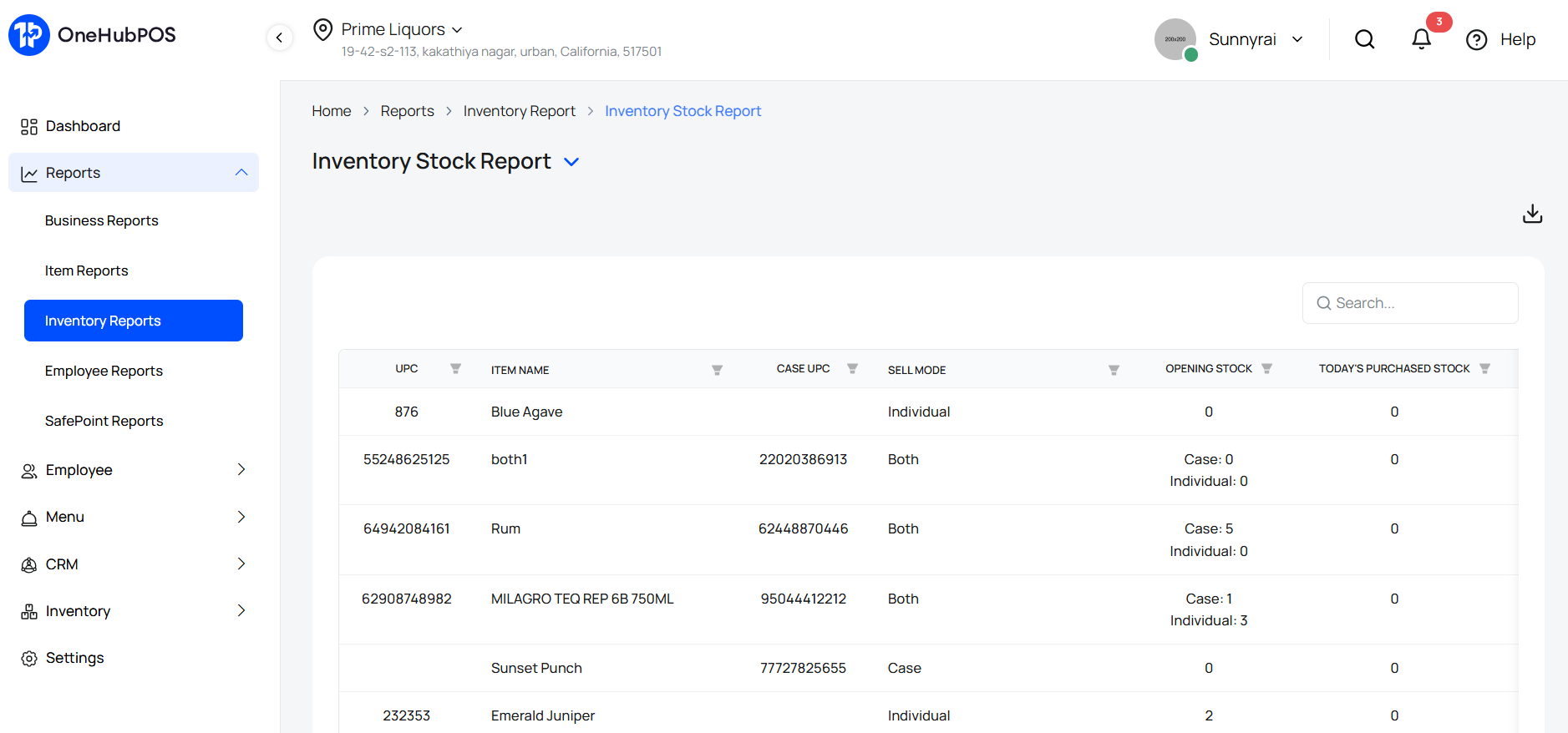
Instead of guessing what to stock, discount, or promote in 2026, you plan based on data. That’s the real value of a POS upgrade — clarity.
Also Read: The Ultimate Guide to POS Analytics for Restaurants
4. Change Your Payment Processor Without Changing Your POS
December often exposes another silent problem: payment processing costs.
- High transaction fees.
- Poor settlement timelines.
- Limited support during peak hours.
Most POS systems lock you into one processor. OneHubPOS doesn’t. It’s completely payment-processor agnostic.
As the new financial year begins, you can:
- Switch to a better processor
- Negotiate lower rates
- Improve settlement cycles
- Without replacing your POS
This flexibility alone can save small businesses thousands over a year, especially after high-volume holiday sales.
5. Internet Down? Sales Shouldn’t Be.
If December taught us anything, it’s this:
You can’t depend on the internet alone.
Recent outages from Cloudflare and Amazon Web Services reminded businesses worldwide that even the biggest infrastructure providers aren’t immune.
For stores and restaurants, connectivity issues during peak hours mean:
- Lost sales
- Long queues
- Frustrated customers
- Angry staff
OneHubPOS offers offline checkouts.
.jpg)
That means:
- You continue billing even if the internet goes down
- Transactions sync automatically once connectivity is restored
- Your business keeps running—no matter what
December shouldn’t dictate your revenue risk ever again.
6. One System Instead of Multiple Different Tools
During the holiday rush, many businesses realize they’re juggling too many systems:
- One for billing
- One for payments
- One for loyalty
- One for delivery
- One for KDS
And none of them talk to each other properly. OneHubPOS brings everything under one roof.
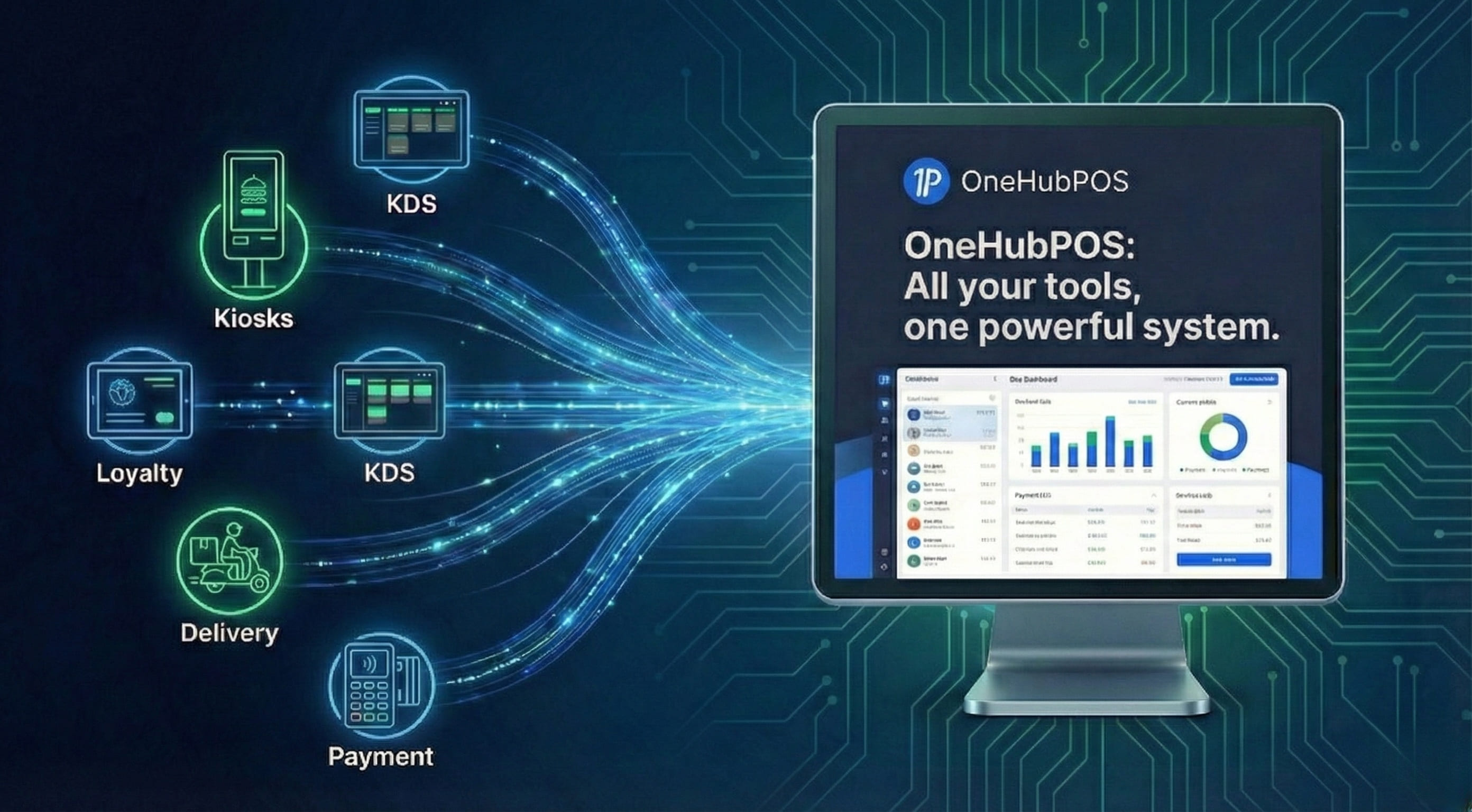
With OneHubPOS, you get:
- POS billing
- Payments
- Inventory
- Loyalty
- Delivery integrations
- KDS
All connected. All synced. All managed from one dashboard. That’s not just convenience. That’s operational sanity.
7. 24×7 Support When You Actually Need It
December problems don’t wait for office hours. Unfortunately, many POS providers do.
If you struggled with:
- Slow responses
- No callbacks
- Generic ticket replies
- Or zero accountability
It’s time to upgrade.
OneHubPOS offers 24×7 customer support and dedicated account management.
.jpg)
So when things go wrong:
- You speak to a real human
- You get faster resolutions
- Your business doesn’t suffer
Support shouldn’t be a luxury. It should be standard.
Why January Is the Right Time to Upgrade Your POS
January is when:
- Operations slow down slightly
- Teams can be trained without pressure
- Data from December can be analyzed properly
- New systems can be implemented smoothly
Waiting until the next holiday season means repeating the same mistakes.
A smarter new POS now means:
- Cleaner books ✔️
- Better inventory control ✔️
- Lower costs ✔️
- Higher margins ✔️
- And far less stress in 2026 ✔️
Want to explore OneHubPOS and see how it can solve your real business problems, book a free 30-minute demo cum consultation session with a POS expert to see it all in action.
Frequently Asked Questions (FAQs)
January is ideal because business volumes are relatively lower, making it easier to train staff and migrate data without disrupting daily operations.
No. OneHubPOS helps migrate your sales and inventory data so you don’t lose historical insights from previous months, including holiday sales.
Yes. OneHubPOS is built specifically for small businesses like liquor stores, QSRs, cafés, and retailers that need flexibility, reliability, and scalability.
With offline checkouts, you can continue billing as usual. All transactions sync automatically once connectivity is restored.
Absolutely. OneHubPOS is payment-processor agnostic, so you’re never locked into a single provider.


Rajat is a growth marketing professional with a passion for creating content that drives engagement and measurable results. He specializes in turning insights into clear, actionable stories that help brands scale.