

Blog and Articles

The "No Tax on Tips" Rule: How The One Big Beautiful Act Changes Your 2026 W-2 Reporting for Restaurants and Retail Stores

.png)


5 min read
Chicago - the ‘Windy City’ is a place that thrums with energy. With a beautiful skyline, a vast expanse of Lake Michigan, grand museums, and the future of budding tech hubs, Chicago’s got it all! But that’s not all! The city is also alive with a passionate love affair with food!
Chicago’s culinary scene is undoubtedly a smorgasbord of sizzling flavors, innovative twists, and a canvas of culinary art waiting to be devoured. From Michelin-starred restaurants to hole-in-the-wall havens, this city never fails to pack a punch to please your plate!
However, with so many available options, which should you visit first? Tough right? But worry not! This article will narrow down the top 8 restaurants in Chicago that you wouldn’t want to miss.
8 Best Restaurants In Chicago
This list of the 8 best restaurants in Chicago will make you drool and surely sort your dining options!
1. Kasama
East Village | Filipino
Directions: 1001 N Winchester Ave, Chicago, IL 60622
Contact Number: (773) 697-3790
2020 was a challenging time for starting any business. However, it couldn’t stop the husband and wife team of Genie Kwon and Timothy Flores. Ms. Kwon. They successfully opened a fine dining restaurant, one of the year's bright spots.
The restaurant’s specialty is a modern American-Filipino bakery and a fine dining experience. It boasts a Michelin-star tasting menu and an exquisite selection of daytime casual dishes.

The fine dining place is best known for its praiseworthy longanisa sausage breakfast sandwich, mushroom adobo (with soy braised mushrooms and garlic rice), and unrivaled pastries. Mouth-watering, right? But that’s not even the best part. The team’s 13-course dinner service, which books at least 45 days out, is the real highlight! No wonder the husband and wife won a James Beard Award in 2023 for best chef: Great Lakes.
2. Lula Cafe
Logal Sqaure | American
Directions: 2537 N Kedzie Blvd, Chicago, IL 60647
Contact Number: (773) 489-9554
Lulu Cafe is where you’ll always find the best fresh food! They’ve been serving farm-fresh since long before farm-to-table was even a concept, let one on the menu. Owned by Chef Jasson Hammel, Lulu Cafe has been a go-to for the population of Chicago for the better part of more than two decades now!

From roast chicken to turkey sandwiches and even pastries, all they serve is very well throughout, with exquisite presentation and a blast of fresh!
3. Red Hot Ranch
Lakeview | Hot dogs
Directions: 2449 W Armitage Ave, Chicago, IL 60647
Contact Number: (773) 772-6020

If you’re a hot dog lover, you’d agree that Chicago hot dog stands are variations on the same theme: Vienna Beef! But somehow, Red Hot Ranch has successfully made their hot dogs a differentiator easily. How? Well, the secret lies in the sausage they use with natural casings. That makes their hot dogs unique and snappier than other hot dogs Americans grew up eating.
Let’s not forget their depression dogs, a special variation with fries in the bun. That’s not just it! You would not stop if you tried their cheeseburgers (the best in the city) and thick-cut fries!
4. Boka
Lincoln Park | Modern American
Directions: 1729 N Halsted St, Chicago, IL 60614, United States
Contact Number: +1 312-337-6070
Boka is one of Chicago's finest restaurants to relish modern American cuisine. Ever since 20+ years on Halsted Street, Boka is not just any other fine dining restaurant. It has bagged various awards, including Michelin Star and a handful of Jean Banchet Awards.

Another thing that people always gush about is Chef-partner Lee Wolen’s impeccable cooking techniques. From roast chicken to dry-aged duck to ricotta gnudi, every dish on the menu is a burst of flavors! It is all you need for a memorable fine dining experience when paired with a cozy social setting.
Boka caters to different preferences and offers two dining options:
A La Carte: individual dishes for a customized dining experience
Ever-Changing Tasting Menu: A pre-fixed menu with the best of Chef Wolen’s creativity
5. Mi Tocaya Antojeria
Logan Square | Mexican
Directions: 2800 West Logan Boulevard, Chicago
Contact Number: 872-315-947
.png)
Do you want to relive your childhood memories through food? Then Mi Tocaya is the best place to be! Owned by chef Diana Dávila, Mi Tocaya is a family-owned gem known for its rich Mexican culinary heritage.
The name translates to ‘My Namesake’ in English, a term used out of fondness when someone shares your name. This restaurant embodies Chef Diana’s most cherished memories with her family in Mexico. And that is visible through the narrative context she adds for each dish on the menu.
The restaurant is famous for its modern take on traditional Oaxacan cuisine, showcasing how the Chef’s creativity is still rooted in Mexico. Also, the place is known for its special steak burrito, which is a tribute to various burritos she used to make at her parents’ restaurant.
6. The Duck Inn
Bridge Port | Modern American
Directions: 2701 S Eleanor St, Chicago, IL 60608
Contact Number: (312) 724-8811
Looking for the best family-friendly place to fine dine in Chicago? Then look no further than The Duck Inn. This restaurant is a regular place for the Bridgeport locals.

The restaurant's specialties are Italian beef and duck-fat-infused hot dogs. The locals usually enjoy these with a cold brew on the side. Speaking of which, the wine and cocktail list of the restaurant is not your general drinks list but one of the best for fine drinks on the South Side.
7. Smyth + The Loyalist
West Loop | Brasserie
Directions: 177 North Ada Street, Chicago
Contact Number: 773-913-3773
Chicago’s one of the finest, Symth, bagged its third Michelin star last year. The Loyalist, its sibling restaurant, operates under its umbrella. It’s Chicago’s best - John and Karen Urie Shields’s two-for-one special in the West Loop!
.png)
If you’re looking for a place to have the best burgers in the city, cozy up on the couch and savor The Loyalist’s famous and city’s most acclaimed - Dirty Burger! It’s a messy munchy with double cheese, charred onions, griddled patties, and Martin’s sesame seed bun.
8. Monteverde
West Loop | Italian
Directions: 1020 W Madison St, Chicago, IL 60607
Contact Number: (312) 888-3041
It’s remarkable how quickly this first restaurant by former Top Chef and Spiaggia chef Sarah Grueneberg has become the center of the culinary conversations in Chicago. Today, when you think Italian in Chicago, only one name pops right after - Monteverde.

The place is well cherished for its delicious, unique, and innovative pastas. What’s interesting is that you can view two people kneading the dough and shaping out the pasta you will be having. Next, it’s then handed to the chef Sarah Grueneberg, who sprinkles her magic to prepare the most delicious and grandly tasting pasta in the entire Chicago!
Conclusion
From the Michelin Star gems to unique hot dog stands, you’ll find the best of Chicago’s restaurants on this list! Armed with the list of the 8 best restaurants in Chicago, we’re sure you can now explore your favorite picks or maybe all of them!?

5 min read
Thinking about grabbing a bite in Seattle? Get ready for a delightful experience! Seattle has some amazing spots for you to enjoy a meal and have a memorable experience. We've scoured the city and picked out our 16 best restaurants in Seattle that promise not just great food but a fantastic dining atmosphere, too.
Our list has everything from hidden gems to local favorites that promise worthwhile experiences. So grab your coat, and let's have a look at the best dining spots the Emerald City has to offer.
1. Bateau

Website: Bateau
Bateau in Capitol Hill isn't your usual steakhouse. It's got a more relaxed vibe, kind of like a spot where tech folks from Amazon might chat over dinner rather than the dark, old-school steak joints. While the steaks are okay, what's really worth your time are their sides.
2. Canlis

Website: Canlis
Canlis is a true Seattle classic, the kind of place you save for a really special night out. It's been around since 1950, sitting pretty over Lake Union, and it's got this relaxed, mid-century modern vibe that hasn't changed much over the years. Perfect for when you want to dress up and treat yourself to something memorable.
3. Archipelago

Website: Archipelago
Archipelago in London takes you around the world with dishes like zebra jerky and kangaroo skewers. The exotic menu is paired with a cozy, eclectic vibe. It's perfect for anyone looking to spice up their dining routine or impress a date with something out of the ordinary.
4. The Chicken Supply

Website: THE CHICKEN SUPPLY
The Chicken Supply in Greenwood is another best restaurant in Seattle and has some delicious treats for delicious, gluten-free chicken with a Filipino flair! Plus, their unique tapioca and rice flour blend keeps it light and tasty. And don't miss their sandwich pop-ups; those fried chicken sandwiches are seriously next-level!
5. Communion

Website: Communion
Craving a taste of the South with a modern twist? Communion is the spot you can't miss in Seattle's Central District. Their dishes blend traditional Southern cooking with unique local flavors, like their po'boy/bánh mì hybrid or the earthy berbere grilled chicken.
6. Musang

Website: MUSANG SEATTLE
If you're seeking a slice of the Philippines right here in Seattle, Musang on Beacon Hill is the place to go. Musang stands out with its community-driven initiatives and bold, inventive dishes. It puts a unique twist on traditional Filipino cuisine.
7. Bar del Corso

Website: BAR DEL CORSO
Bar Del Corso is a must-visit for anyone who cherishes authentic Italian cuisine right here in Seattle. This cozy spot serves up Neapolitan pizzas that are a cut above the rest. Also, their entire range of Italian small plates—from zesty grilled octopus to succulent pork ragu—promises a taste of Italy that's both genuine and delicious.
8. Off Alley

Website: Off Alley
Off Alley is a real treat for those who love to try something a little different. Here, you'll find creative takes on local ingredients with a focus on those underrated cuts of meat and offal. They have dishes like braised tripe mixed with Dungeness crab or escargot on light, fluffy popovers.
9. Joule

Website: Joule - Seattle WA Relay Restaurant Group
Joule sets itself apart with its innovative take on traditional Korean cuisine, paired with the classic flavors of a classic American steakhouse. The extensive menu spans from innovative starters to complex 'other than steak' dishes.
10. Ba Bar

Website: Ba Bar
Ba Bar is a gem for anyone craving authentic Vietnamese cuisine with a modern twist. The bar, tall and grand, backed by a poster of a vintage Vietnamese rock album, adds a touch of retro cool to the ambiance. Here, every dish is a statement in itself, from crispy imperial rolls to the charred beef wrapped around lemongrass.
11. Artusi

Website: Artusi
Artusi is a charming bar is a casual spin-off from the acclaimed Spinasse. It has a more laid-back vibe without compromising on the quality of its dishes. They serve handcrafted pasta that promises to transport your taste buds straight to Italy.
12. Saint Bread

Website: Saint Bread
Saint Bread is a delightful bakery and café in Seattle's University District. It promises a menu that's anything but ordinary. From their standout avocado toast, enhanced with za'atar and a perfect hint of lemon, to their unique breakfast sandwich on fluffy Japanese melonpan bread, each bite is an experience.
13. Paju

Website: Paju
Paju is a cozy Korean spot that might look simple at first glance, but it has got a great vibe. The decor is understated, but Paju's dishes are anything but. They serve up a modern twist on Korean classics, using fresh, local ingredients that bring each dish to life.
14. Stateside

Website: Stateside
Stateside is the perfect spot to duck out of Seattle's gloomy weather and into a warm, inviting atmosphere filled with lush palm-tree-printed wallpaper and a vibe that's downright tropical. The menu is so delicious: crispy duck rolls to Bun Cha with house-made sausage.
15. Taurus Ox

Website: Taurus Ox
Taurus Ox on Capitol Hill is your go-to for a taste of Laos with a twist. This spot may be small but big on flavor and heart. They have dishes like caramelized pork belly or a unique burger stacked with taro stem and cured pork jowl that meld beautifully with sharp provolone.
16. Terra Plata

Website: Terra Plata
Terra Plata on Capitol Hill has got something different. With a focus on organic and sustainable ingredients, their dishes not only taste fresh but also support ethical farming practices. Their Spanish-inspired menu brings vibrant flavors that are hard to find elsewhere.
Conclusion
Well, there you have it—a tasty lineup of the best restaurants in Seattle that we absolutely adore. Each spot brings its unique flair and flavors to the table with a little something for every palate. These restaurants offer something unique, from organic and sustainable menus at Terra Plata to the innovative Korean dishes at Joule. So, next time you're wondering where to dine in the Emerald City, pick any from this list, and you're set for an incredible meal.


5 min read
Have you ever noticed how the end of a meal can make or break the dining experience? That moment when guests are ready to leave, but the payment process slows them down can stick in their memory.
On the other hand, quick and seamless payments make your customers feel valued and respected for their time. Speeding up guest payments enhances customer satisfaction and gives your customers another reason to revisit your restaurant.
If you think your payment process needs to be more efficient, this blog features ten practical tips for you to boost mobile guest payment. These will help you ensure your guests walk out the door as happy with the service as they were with the meal.
Tip 1: Optimize Your POS System
A speedy and reliable POS keeps the hustle of payment transactions smooth and customer-friendly and boosts mobile guest payment online.
Because no one likes to wait, especially not hungry customers ready to pay and leave. Quick processing at the POS can reduce bottlenecks so that neither customers nor staff are unnecessarily stalled.
Some Quick Tips to Supercharge Your POS System
- Upgrade your hardware: Ensure your POS terminals are up-to-date and can handle peak times.
- Simplify the process: Remove unnecessary steps that can slow down transactions.
- Go cloud-based: A cloud-based POS system can speed up operations and is often more reliable.
- Train your staff: Regular training ensures everyone is up to speed on making transactions as efficiently as possible.
Top POS Systems for High-Speed Payment Processing
Here are our top 3 picks for high-speed payment processing:
1. OneHubPOS

OneHubPOS stands out for its sheer speed and efficiency. This all-in-one Android POS solution simplifies the order-to-pay process into three quick steps. Its robust, scalable hardware integrates seamlessly with any Android POS software and offers a degree of adaptability that's hard to beat.
With features like real-time cloud-based operation management, customizable setups, and a single login for multiple stores, OneHubPOS supercharges your day-to-day operations.
2. Square

Square POS is a budget-friendly system that's easy to set up for small food joints. However, mid-sized businesses might view it as a hefty expense as it charges additional costs on certain features. It offers analytics and integration capabilities and makes inventory management easy.
3. Clover

Clover POS is known for its fast performance and slick hardware. It is a great fit for larger restaurants or chains. It offers features like fingerprint logins and a wide range of customization options. Clover's features, while great, does not include a free plan and may require a significant investment, potentially stretching the budgets of smaller operations.
Tip 2: Train Your Staff
Training your team to handle payments efficiently is not just about pushing buttons on a POS. They must create a seamless experience for their customers. When your staff is well-versed in the ins and outs of the billing process, transactions go from being a potential stress point to a smooth checkout and a guest payment boost.

How to Elevate Your Staff's Payment Handling Skills
- Ensure every team member knows the payment system thoroughly—from billing to handling different payment methods. Regular workshops can keep everyone up-to-date.
- Train your staff to communicate charges and payment options clearly and politely. This will minimize confusion and enhance customer trust.
- Use tech tools that simplify and boost mobile guest payment processes.
- Teach your team to be proactive in addressing billing inquiries or issues swiftly.
- Keep your payment processes up to standard by regularly reviewing and updating them.
Tip 3: Implement Mobile Payment Options
Mobile payments are quickly becoming the go-to way to pay, especially in the restaurant industry. With more than half of Americans now choosing digital wallets over traditional methods, offering mobile payment options could really set you apart from the competition.
These solutions let customers pay with just a tap of their smartphones. The real draw is how quick and easy they make things. No messing around with cash or cards—just a quick tap of their phone, and they're all set in seconds.
You can also consider using contactless payment methods. They are the norm in the food service industry, with 89% of consumers preferring to use cards or other contactless methods over cash at bars and restaurants.

Here's why you should think about adding contactless payments to your setup:
- Boost guest payment online significantly since there's no fumbling with cash or waiting around for change.
- It also cuts down on physical contact, which is a big plus for keeping things germ-free in our health-savvy world.
- Servers can turn tables quicker without the wait for card machines or bill folders.
Tip 4: Streamline Your Menu
When you simplify your menu and pricing, you reduce customers' time pondering what to order. It helps you in two ways: it cuts down on table turnaround times and transaction duration. Fewer options mean fewer complications during ordering, which leads to quicker decisions and a faster move to payment.

Tips that Work for Designing an Efficient Menu
- Focus on favorites. Highlight your best sellers and customer favorites to guide quicker decisions.
- Organize the menu into clear, logical sections that help customers quickly find what they want.
- Limit choices- too many options can overwhelm you. Aim for a balance where you offer variety without clutter.
- Use a clean, readable font and layout that doesn't crowd the page. Visual simplicity helps in faster ordering.
Tip 5: Come up with Curbside PickUp
Looking to boost guest payments? Consider giving curbside pickup a shot. Even post-pandemic, it remains a hit as it offers convenience that customers absolutely love.
When setting up a killer curbside pickup, there are a couple of things you’ll want to nail down first.
- Start with the right software. If it can juggle your orders and manage your inventory in real time, you're golden.
- Communication is key. Once your customers place their order, hit them up with all the deets—they should know exactly what to expect. Send them their order number, your contact info, pick-up time, and a confirmation via email or SMS.
- Dedicate a specific area for curbside pickups. This makes life easier for your team and keeps your customers smiling, especially if it helps them skip the wait.
Tip 6: Be Clear with Payment Instructions
Clear instructions ensure that customers understand exactly how and where to pay, which streamlines and boosts the guest payment process. Essentially, we're talking about straightforward, visible guidance on payment procedures that every customer can easily follow.
When customers know what to do, there's less confusion, quicker payments, and a smoother transition from dining to departure. It also helps reduce your staff's workload, who might otherwise spend time directing customers on how to complete their transactions.
Let's look at a couple of examples of effective signage and communication:
- Table tents with QR codes: These are small, stand-up signs placed on each table. These display a QR code along with a simple message like, "Scan here to pay your bill with our secure mobile payment system."

- Digital screens at checkout: Consider a digital screen at the payment counter that displays animated instructions for payment. It could cycle through steps for inserting a card, tapping for contactless payments, or following prompts to complete transactions.
Tip 7: Move Onto Digital Receipts
Digital receipts speed up the payment process to a great extent. Once a transaction is completed, you can send the receipt instantly via email or text message. This eliminates the wait time associated with printing and ensures the customer can review their receipt on their device right away. It has other benefits, too:

- Eco-friendly: Going digital reduces paper waste.
- Cost-effective: It saves money on paper and printer maintenance.
- Secure: Reduces the risk of lost receipts, with copies stored digitally.
- Convenient for customers: It allows easy storage and retrieval for returns or expense tracking.
Tip 8: Automate Payment Processes
Automating your restaurant's payment processes removes the chaos of piles of invoices and endless manual entries. Automation speeds everything up, slashes manual errors, and you even get real-time insights into what's happening with your cash.
When it comes to automated payment solutions for restaurants, you have multiple options:
- Integrated Point of Sale systems: These systems do more than boost guest payment online payments. They integrate with your restaurant's management software to track sales, inventory, and customer preferences.
- Self-service Kiosks: They let your guests order and pay on their own terms and cut down wait times for those in a rush. They help during busy hours by smoothing out service flows without the need to bring on extra hands.
- Mobile payment apps: With apps customers can pay their bills directly from their table via their smartphone. Such apps reduce the wait times for payment processing.
Tip 9: Improve Wi-Fi and Network Infrastructure
Having a strong and reliable internet connection is essential for the smooth operation of payment processing systems. And your customers appreciate it, too.

If your restaurant network infrastructure needs help, it's high time you optimized it. Here's how you do it:
- Invest in a quality router: Opt for a commercial-grade router that can handle high traffic and provide extensive coverage. This will ensure that your payment terminals and other devices remain connected without dropouts.
- Check for regular updates: Keep your network devices updated with the latest firmware. This enhances security and functionality.
- Use wired connections where possible: For critical systems like your main POS, consider using wired connections. They are usually more reliable than Wi-Fi.
- Professional network assessment: Have a network expert assess your setup periodically. They can spot potential problems and recommend ways to fix them.
Tip 10: Monitor and Analyze Your Payment Processes
To keep things running smoothly, you need to be active in monitoring your payment processes. Regularly checking these processes helps pinpoint any inefficiencies that could slow down service, identify fraudulent activities early, and keep tabs on transaction accuracy and speed.
You can use these two best ways to keep a check and boost guest payment processes:
- Use analytics tools: Implement POS systems that come with built-in restaurant analytics. These tools can track everything from transaction times to payment method preferences. Analyzing this data keeps you aware of the potential reasons behind any delays and ways to deter them.
- Ask for customer feedback: Quick surveys or direct feedback can provide insights into potential issues or suggestions for improvement. Sometimes, the most valuable improvements come directly from the user's experience.
Conclusion
If your guests leave happy, they're likely to spread the good word, which will boost your restaurant's reputation. Serving up tasty meals quickly and keeping the front of the house running smoothly is essential, but speeding up those payments is just as crucial.
When trying to boost guest payments, prioritize simplicity and security. Opt for an intuitive payment system that minimizes steps and maximizes convenience, such as QR code payments that integrate with your service flow.
Thinking about upgrading your restaurant's guest payment experience? Talk to our experts and we'll guide you through enhancing your guest's payment experience.


5 min read
As we move through 2024, it's clear that ghost kitchens are no longer a fad. They offer a dynamic and adaptable business model that caters to consumers' ever-changing needs. In the next few years, we can expect further integration with delivery platforms, advancements in kitchen automation, and the emergence of specialized ghost kitchen facilities with advanced infrastructure. But would it drive restaurant profitability? It's an exciting time for the food industry, and ghost kitchens are vital in this ongoing transformation. Let’s find out exactly how.
Are Virtual Kitchens also Ghost Kitchens?
They both refer to the same concept: a delivery-only food service business. The only difference is that a ghost kitchen operates without a physical storefront for dine-in customers, and a virtual kitchen could have a physical location.
Here's a breakdown of the interchangeable terms
- Ghost Kitchen: This term emphasizes the lack of a physical presence for customers. It's a "ghost" in the sense that you can't actually visit the location.
- Virtual Kitchen: This term highlights the focus on online ordering and delivery. It exists virtually through delivery platforms and online orders. There could be a physical location for the restaurant.

Ghost Kitchens vs. Traditional Restaurants

Here's a deeper dive into the differences between Ghost Kitchens and Traditional restaurants:
- Delivery Focus: Ghost kitchens are all about delivery. The space and resources are solely for preparing food for takeout and delivery. Traditional restaurants have a kitchen for both dine-in and takeout orders.
- Cost: Starting and operating a ghost kitchen is generally cheaper. There's no need for a fancy location, furniture, or front-of-house staff. Traditional restaurants face higher costs for rent/purchase of space, utilities for a larger area, and additional staff.

- Marketing: Ghost kitchens rely heavily on online marketing and getting themselves listed on delivery platforms. Traditional restaurants can leverage their physical location and signage for greater visibility. They can also foster a community atmosphere for word-of-mouth marketing.
- Brand Building: Building a brand for a ghost kitchen is entirely digital. Positive reviews on delivery apps and social media are key. Traditional restaurants can build a brand through physical space, ambiance, and customer service.
The State Of Ghost Kitchens in 2024
During the pandemic, access to restaurant food and facilities was limited, and hospitality was dying until automation and technology took over in the form of virtual kitchens like cloud kitchens and ghost kitchens. We saw a big boom in this industry, but not anymore. Ghost kitchens have been developing at a slower-than-expected pace since the pandemic. Why?
- Rebound of Dine-In: The traditional dine-in experience returned post-pandemic. Customers missed the social aspect of dining out, the restaurant atmosphere, and the full service provided by the wait staff.
- Increased Competition: The initial boom crowded this market, which then became saturated. This increased competition makes it harder for new entrants to stand out and for existing ones to maintain customer loyalty.
- Delivery Costs: High delivery fees lead to fewer orders and lower profitability for ghost kitchens.
- Lack of Brand Identity: Building brand loyalty is harder for ghost kitchens without a physical presence.
- Profitability Challenges: Although ghost kitchens have lower overhead costs, other factors like high commission fees to delivery platforms and maintaining a steady flow of orders can make turning a profit difficult.

Future Trends for Ghost Kitchens
The industry is likely to adapt and evolve. Here are some potential trends:
- Focus on Differentiation: Successful ghost kitchens may need to offer unique menus, specialize in specific cuisines, or partner with famous chefs to stand out from the crowd.
- Hybrid Models: We might see more ghost kitchens collaborating with existing restaurants to expand delivery options or utilize underused kitchen space.
- Technology Integration: Advanced technology for automated cooking or order fulfillment could enhance efficiency and profitability for ghost kitchens.
- Focus on Specific Locations: Ghost kitchens might succeed more in areas with high population density or limited restaurant options, catering to a specific customer base.
7 Essential Tools You Need To Run A Ghost Kitchen
Running a successful ghost kitchen requires a robust set of tools to manage various aspects of the business. Here are some key categories of tools you'll need:
1. Order Management Systems (OMS):
- The heart of your operations. An OMS receives orders from multiple delivery platforms (DoorDash, Uber Eats, etc.) in a single interface, streamlining order processing and reducing errors.
- It can also edit menus, customize pricing, add combos, and update the digital menu in real time.
Important Note: It should allow you to manage menus across platforms, track order status, and send information to the kitchen display system.
2. Kitchen Display System (KDS):
- Once an order is confirmed, the KDS displays it clearly in the kitchen. This helps cooks prioritize tasks, manage order flow, and prepare food efficiently and accurately.
Pro tip: Ghost Kitchen owners avoid POS systems and manage orders with a slick combo of Cloud POS + KDS, an affordable solution that just gets the job done.
3. Inventory Management Software:
- Keeping track of your ingredients is crucial. Inventory management software allows you to monitor stock levels, automate purchase orders, and minimize waste. This avoids stock outs that can disrupt operations and impact customer satisfaction.

4. Point-of-Sale (POS) System:
- While some ghost kitchens might rely solely on delivery platforms, a POS system can still be valuable. It allows you to manage direct online orders, take payments, track sales data, and offer loyalty programs if needed. All on a single platform.
5. Delivery Management Software:
- This software helps you optimize delivery logistics. It can connect with delivery partners, track drivers in real time, and ensure timely deliveries. This improves customer experience and reduces the risk of late or spoiled food.
6. Marketing and Analytics Tools:
- Standing out in a crowded virtual space requires marketing efforts. Tools for social media management, email marketing, and data analytics can help you reach target customers, analyze marketing performance, and adjust your strategy based on results.
7. Team Communication Tools:
- Effective communication is essential within your ghost kitchen team. Collaboration tools like Slack or Microsoft Teams can facilitate communication between cooks, managers, and delivery personnel, ensuring everyone is on the same page.
Additional Tools (Optional):
- Accounting Software: Streamlines financial management and tracks expenses.
- Security Cameras: Improves security and kitchen hygiene monitoring.
- Food Prep Automation Tools (advanced): Automating specific tasks like chopping vegetables can improve efficiency for larger operations.
Testing the Ghost Kitchen Concept at Your Restaurant
The ghost kitchen model offers a way to expand your reach and experiment with new menus without the full investment of a traditional restaurant. If you are a restaurant owner and looking to test out ghost kitchens, here are the first few things to do. Here's how you can test this concept at your existing restaurant:
1. Assess Your Resources
- Kitchen Capacity: Can your existing kitchen handle the additional volume of delivery orders without impacting dine-in service? Analyze current capacity and peak hours to see if it's feasible.
- Staffing: Do you have enough staff to manage both dine-in and delivery operations efficiently? You might need to hire additional cooks or utilize existing staff strategically.
- Delivery Infrastructure: Are you prepared to handle deliveries? Consider partnering with existing delivery platforms like DoorDash or UberEats, or explore a dedicated delivery driver service if you have high volume.
2. Develop Your Virtual Restaurant Concept:
- Menu Selection: Choose a new menu or a subset of your existing menu that travels well for delivery. Consider offering dishes that are quick to prepare and maintain quality during transport.
- Branding: Create a distinct virtual brand name and logo for your ghost kitchen. This helps differentiate it from your existing restaurant and attracts a new customer base.
- Marketing Strategy: Promote your virtual restaurant using online marketing tools like social media, email marketing, and targeted advertising. Leverage your existing customer base to spread the word.
3. Leverage Existing Infrastructure:
- Kitchen Space: Use your existing kitchen to prepare food for the ghost kitchen. Ensure this doesn't compromise dine-in customers' quality or speed of service.
- Inventory Management: Integrate your existing inventory management system or software to track ingredients for your regular and ghost kitchen menus.
- Delivery Operations: Designate a separate area for packing and handling delivery orders. This minimizes disruption to dine-in service and ensures hygiene standards.
4. Technology and Tools:
- Order Management System (OMS): This software manages orders from various delivery platforms, streamlining order processing for dine-in and delivery services.
- Kitchen Display System (KDS): You can utilize your existing KDS or invest in a basic system to display delivery orders for your cooks.
- Point of Sale (POS) System: If your budget allows, consider integrating online ordering into your POS system.

5. Monitor and Analyze Results:
- Track Sales Performance: Monitor sales data from your virtual restaurant to understand customer demand and profitability.
- Customer Feedback: Gather customer feedback through online reviews and surveys to understand their experience with the ghost kitchen concept and menu.
- Delivery Costs: Analyze delivery costs associated with partnering with delivery platforms.
Making the Decision
Based on your results after a trial period, you can decide whether to continue the ghost kitchen concept. It might be successful as a permanent addition to your business, or you may choose to refine the concept and relaunch it later.
Benefits of Testing Your Ghost Kitchen Concept
- Low Risk: Testing allows you to experiment with minimal investment compared to opening a full-fledged ghost kitchen.
- Data-Driven Decisions: Gain valuable data and customer insights before committing significant resources.
- Increased Revenue: Potential to reach a new customer base and generate additional income.
Challenges to Consider & Review While Testing
- Operational Efficiency: Managing dine-in and delivery operations can be complex and require dedicated staff.
- Delivery Costs: Delivery platform fees can eat into profit margins.
- Brand Confusion: Customers might initially be confused by the separate virtual brand.
By carefully planning and utilizing your existing resources, you can effectively test the ghost kitchen concept with minimal risk. The data and insights gained will help you make informed decisions about expanding your business model and reaching new customers.

5 min read
Labor Day isn’t just a long weekend. For liquor store and QSR (quick-service restaurant) owners, it’s one of the last big spikes in summer sales before the holiday season rush. Families gather for backyard BBQs, friends meet up for late-night drinks, and road-trippers stop by for quick bites. If you plan it right, Labor Day can bring in a surge of loyal customers who come back long after the grills have cooled.
Here’s how to make this year’s Labor Day unforgettable — for your customers and your bottom line.
Why Labor Day Matters for Your Business
- Sales Surge: Liquor sales often spike by 20–30% around Labor Day weekend, driven by BBQs, tailgates, and gatherings. For QSRs, quick meals and late-night snacks see a surge in demand.
- Community Vibes: Unlike the solitary gift-giving holidays, Labor Day is about shared meals, grilling together, and socializing. That’s your chance to be the brand that fuels the gathering.

- Kickoff to Fall: It’s the perfect time to push seasonal items (pumpkin flavors, fall cocktails, or back-to-school bundles).
In short: Labor Day is less about discounts and more about experience.
How to Run Promos Without the Stress
Running promotions across a busy weekend can feel chaotic — unless your POS has your back. With OneHubPOS, liquor stores and QSRs can:
- Create Bundled Promotions: Group BBQ favorites (beer + whiskey, or burger + fries + soda) and apply automatic discounts at checkout.
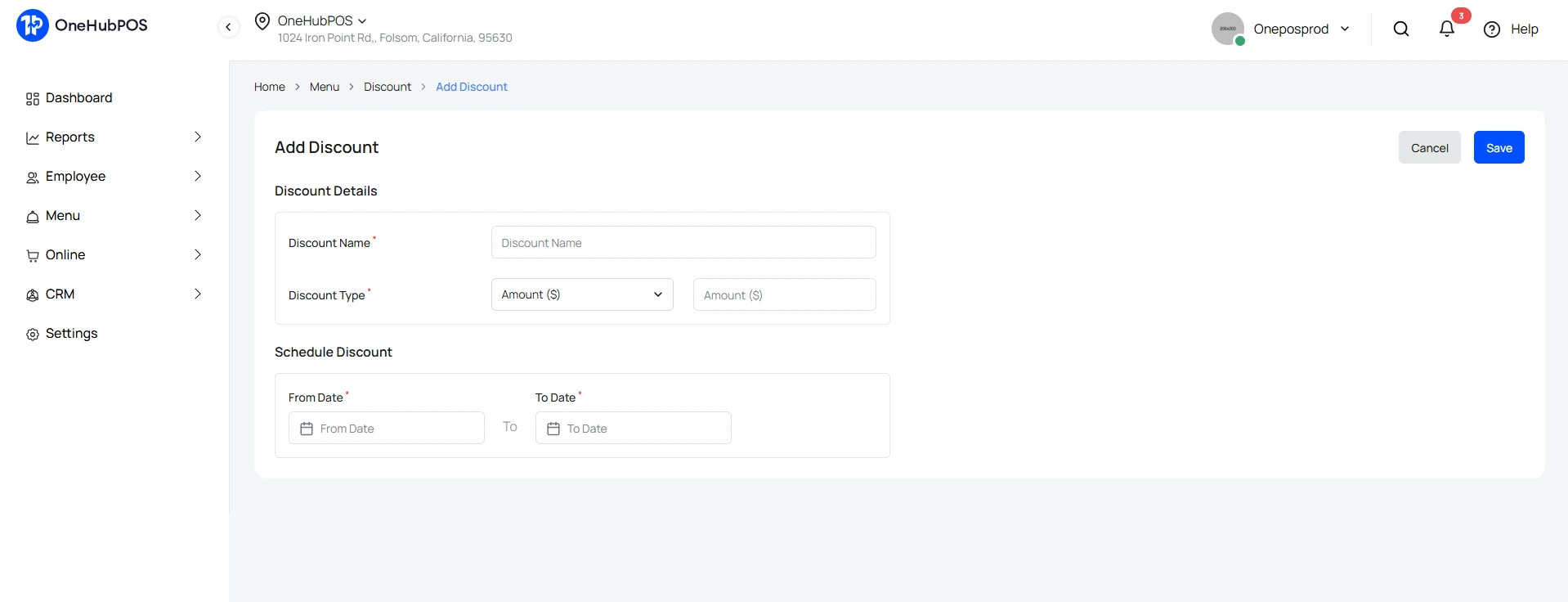
- Set Up Limited-Time Offers: Schedule promotions in advance so discounts apply automatically during the Labor Day weekend.
- Track Inventory in Real-Time: Never run out of your bestsellers. Low-stock alerts help you reorder before shelves go dry.
- Reward Loyal Customers: Use loyalty programs built into your POS to turn one-time buyers into repeat customers (e.g., buy 5 coffees, get 1 free).
Instead of juggling spreadsheets or manually applying discounts, you can let the system handle it while you focus on serving customers.
Event & Promotion Ideas for Labor Day
Here are campaign-ready ideas to inspire your Labor Day playbook:
🍔 For QSRs (Quick-Service Restaurants)
- Family Meal Deals: Offer “Labor Day Family Packs” (burgers, fries, drinks) at a bundled price.
- Drive-Thru Specials: Reward fast movers with a “free side with any combo meal” during peak hours.
- Seasonal Menu Kickoff: Launch your fall flavors — pumpkin shakes, spiced fries, or limited-edition sauces.
- Loyalty Push: Double loyalty points for all orders on Labor Day weekend.
🍻 For Liquor Stores
- BBQ Liquor Packs: Bundle beer cases + mixers, or wine + cheese pairings for backyard parties.
- Tailgate Essentials: Highlight ready-to-drink cocktails, coolers, and kegs with POS-driven promos.
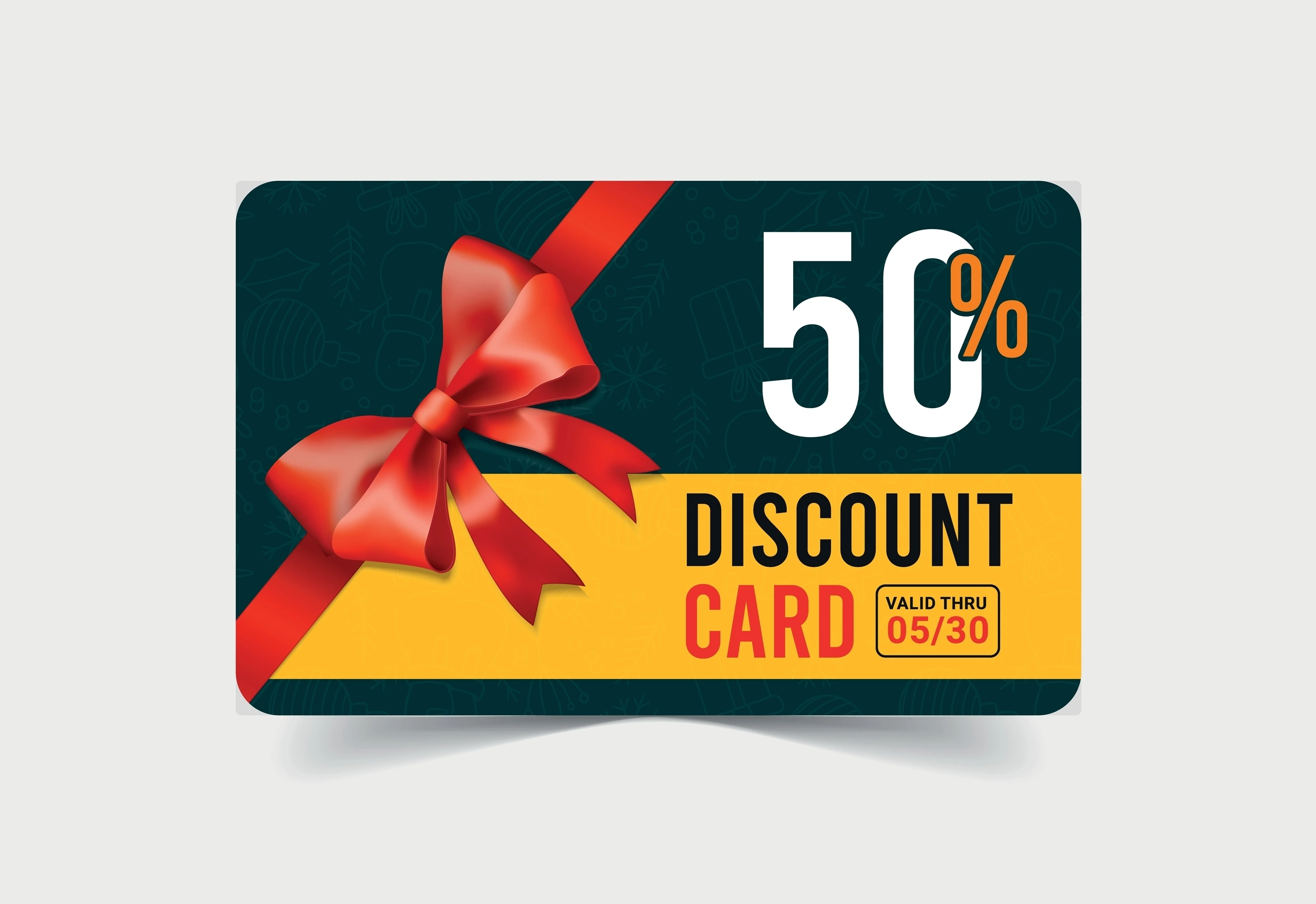
- Gift Card Flash Sale: Offer a small discount on gift card purchases — they’ll spend more later.
- In-Store Sampling or Tastings: Partner with local breweries or distilleries for quick tastings (POS can track sales impact).
How OneHubPOS Makes It Simple
Here’s how store owners can make all of the above stress-free with OneHubPOS:
- Pre-Schedule Promos: Discounts apply automatically → no need to update registers mid-shift.
- Smart Inventory Tracking: POS alerts when your best-sellers (beer, mixers, burger patties) are running low.
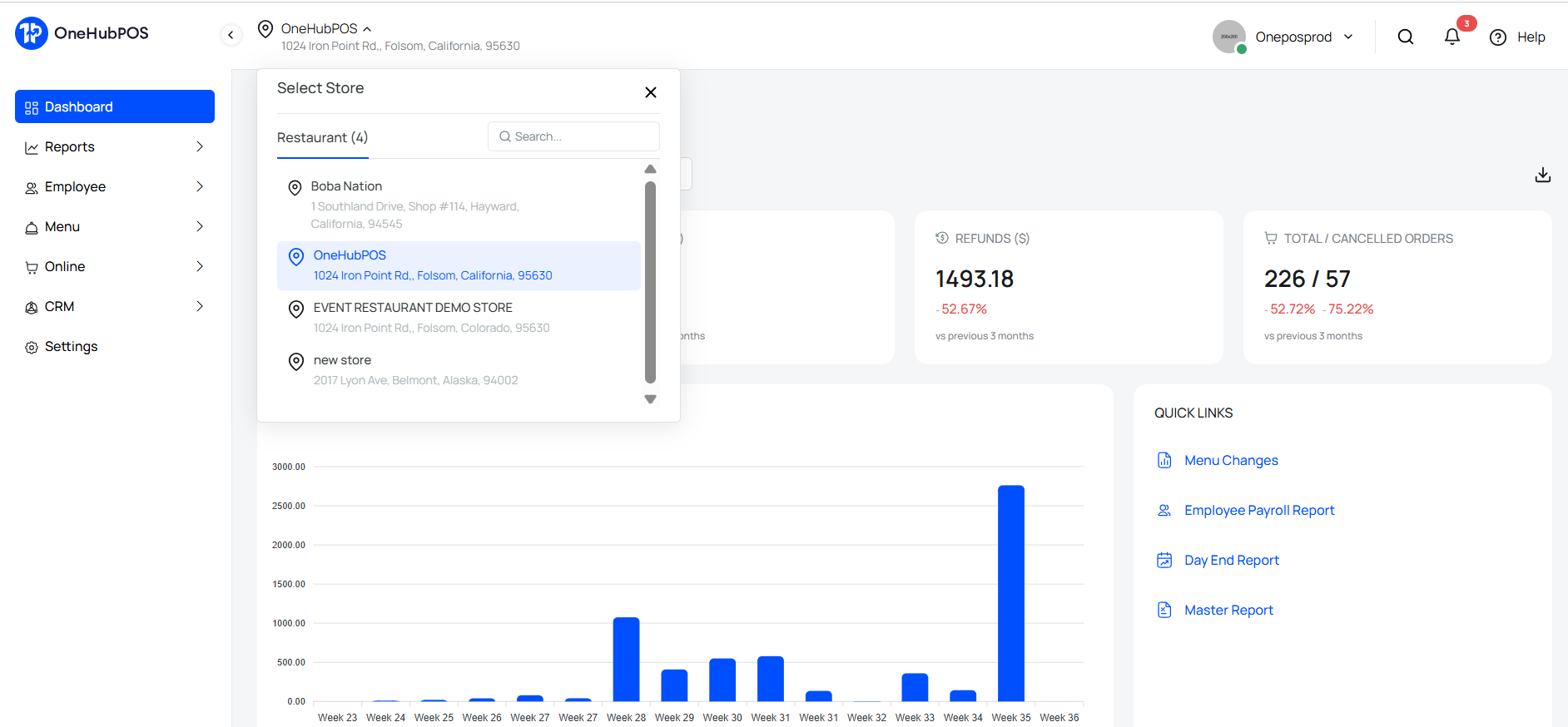
- Multi-Location Control: If you own multiple stores, manage all promos and inventory from a single dashboard.
- Faster Checkouts: Avoid long weekend lines with contactless pay, dual pricing, and cash discount options.
Labor Day is about more than sales. It’s about being the store or restaurant that helps people celebrate stress-free. With the right promotions and the right tools, you can turn this weekend into your biggest win of the season. Book a demo with OneHubPOS today and see how simple it is to run profitable holiday campaigns.

5 min read
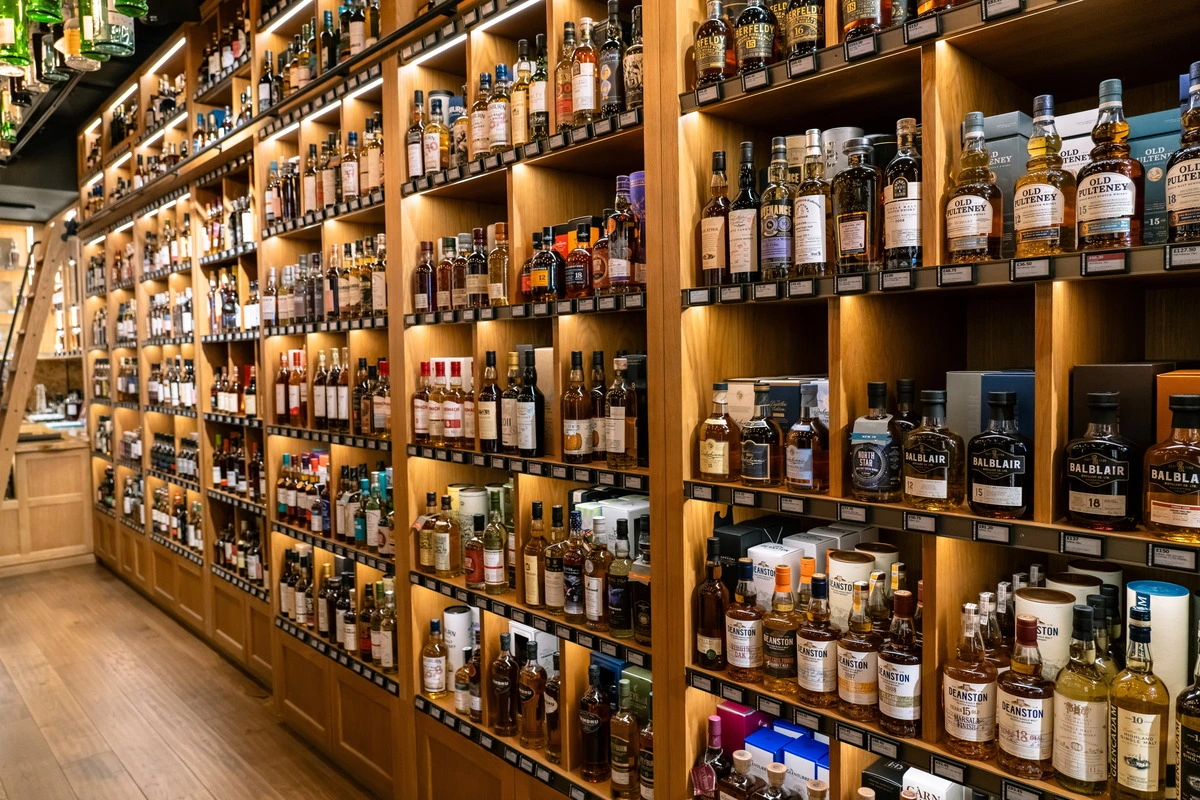
Running a liquor store has always been part art, part science. You need to curate the right mix of products, understand your customers’ tastes, and — let’s be honest — keep the regulators happy.
And right now, the art and science of alcohol retail are at a fascinating crossroads. The global alcoholic beverages market, worth $142.8 billion today, is projected to hit $256.86 billion by 2033. In the U.S., the opportunity is big — but so is the complexity.
Every state has its own liquor laws and licensing quirks. Even your marketing campaigns can be regulated. That’s why knowing where to operate and how to stay compliant isn’t just smart — it’s survival.
Here’s where liquor store owners are finding growth, and how the right liquor store POS system can help you grow while keeping your license safe.
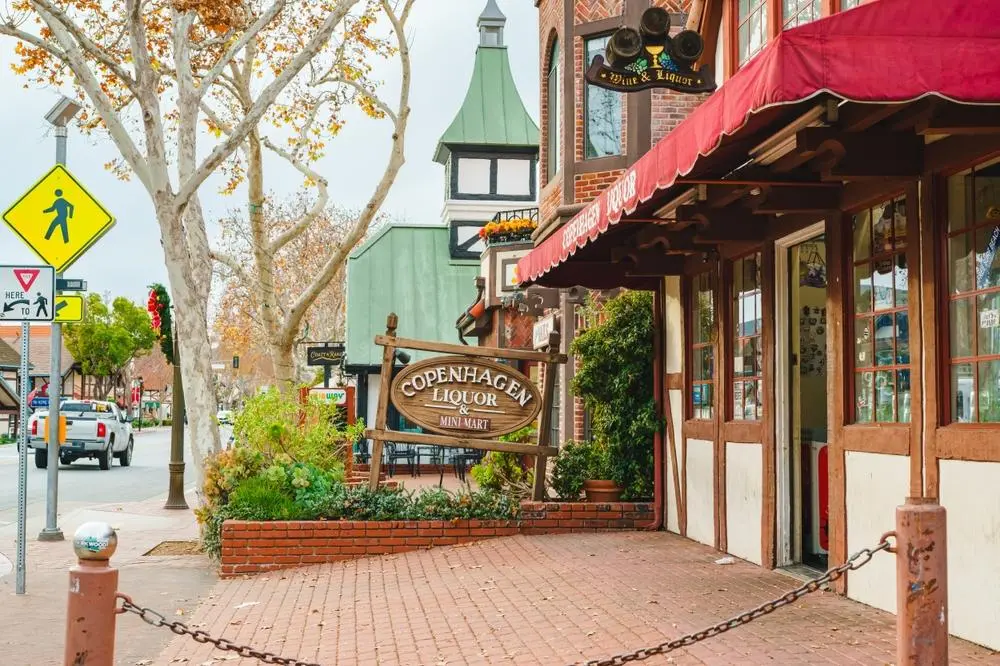
1. California: The Volume Leader
Why it’s booming: California isn’t just America’s largest spirits market — it’s one of the world’s most lucrative, fueled by a $4.1 trillion economy and a melting pot of tastes. Premium spirits and craft cocktails are on the rise, especially in urban centers.
Compliance watch-outs:
- Multiple agencies (including the California ABC) require meticulous documentation.
- Enhanced ID scanning helps meet tougher verification standards.
- Even social media posts about alcohol can draw compliance scrutiny — track them carefully.
2. Delaware: The Tax Haven
Why it’s booming: No sales tax. That’s all it takes to lure in cross-border buyers from Maryland, Pennsylvania, and New Jersey. Delaware also leads the nation in per-capita liquor consumption at 2.34 gallons.
Compliance watch-outs:
- High volume = higher audit risk. Inventory tracking is critical.
- Cross-border buyers mean you need bulletproof ID checks.
- Keep close tabs on interstate commerce rules — they’re easy to overlook.
3. New Hampshire: The State Store Success
Why it’s booming: Tourists flock here for tax-free booze, making it the second-highest state in per-capita consumption (2.02 gallons).
Compliance watch-outs:
- Operates under a state store model with controlled pricing and sourcing.
- Out-of-state buyers require extra diligence.
- The state expects clean, digital inventory records — paper logs won’t cut it.
4. Florida: The Growth Market
Why it’s booming: Between tourism and steady population migration, Florida’s liquor market is projected to reach 13.6B in 2025.
Compliance watch-outs:
- Busy tourist hubs require faster ID verification workflows.
- Seasonal demand spikes can wreck your stock if you’re not using liquor store inventory management software.
- Maintain accurate daily sales reports — Florida DBPR inspectors are known for spot checks.
5. Texas: The Business-Friendly Giant
Why it’s booming: No state income tax, fast-growing cities, and a strong hospitality sector. Texas is the third-largest spirits market, and the state incentivizes TABC certification for staff.
Compliance watch-outs:
- Even with fewer restrictions than some states, federal standards still apply.
- Certification tracking for staff is expected — a POS that logs it can help.
- Be ready for targeted enforcement in college towns and nightlife areas.
6. New York: The Premium Market
Why it’s booming: High-value urban consumers, an established cocktail culture, and a willingness to pay for premium and artisanal spirits.

Compliance watch-outs:
- The State Liquor Authority enforces strict licensing rules.
- In NYC, city-level regulations can add extra layers of complexity.
- Large transactions (like rare bottles) require enhanced documentation.
7. Nevada: The Entertainment Economy
Why it’s booming: Tourism, nightlife, and 24/7 retail opportunities — especially in Las Vegas — keep sales flowing year-round.
Compliance watch-outs:
- Nighttime and high-volume sales call for lightning-fast ID scanning.
- Entertainment zones often have their own compliance rules.
- POS systems must handle extended hours without errors in daily reporting.
8. New Jersey: The Emerging Player
Why it’s booming: New licensing laws could add 1,300+ liquor store licenses, making entry more affordable compared to New York.
Compliance watch-outs:
- Rules for new license holders are evolving — stay updated with the Division of ABC.
- Competition is rising, so compliance mistakes could be used against you in disputes.
- Document every purchase and sale — especially in high-volume suburban markets.
9. North Carolina: The Control State Success
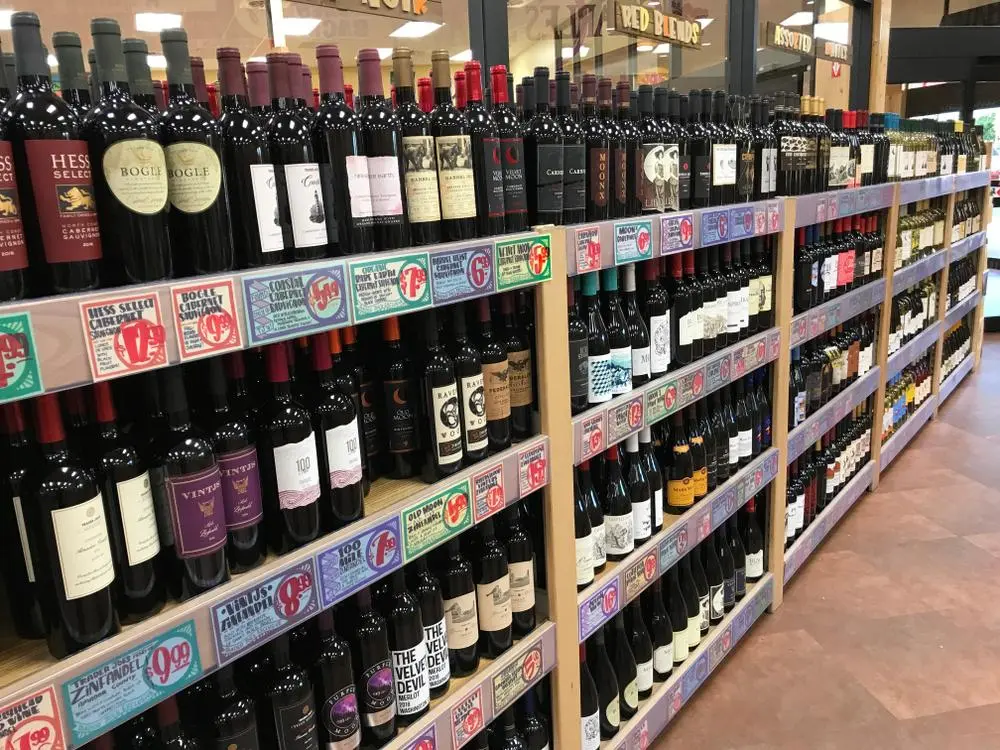
Why it’s booming: Strong growth in RTDs (ready-to-drink cocktails) and tequila is pushing sales up 1.9% to $1.866B.
Compliance watch-outs:
- As a control state, North Carolina manages distribution and pricing — you work within their system.
- Growth categories like RTDs have their own labeling and storage requirements.
- Regular state reporting is non-negotiable — automation is your friend.
10. Illinois: The Midwest Hub
Why it’s booming: Large food and beverage industry; 130+ distillers, 300+ breweries, 165 wineries; population center in Chicago driving premium spirits and urban sales.
Compliance watch-outs:
- Chicago’s city rules may differ from Illinois state laws.
- Craft and artisanal producers require extra verification for product claims.
- Multi-location operators must manage tax rates across jurisdictions.
The Compliance Fundamentals You Can’t Ignore
No matter where you set up shop, a few rules are universal:
- Age Verification Technology: Scan every ID, every time.
- Digital Record Keeping: Cloud-based storage for quick audits.
- State-Specific Reporting Automation: Eliminate manual errors.
- Manual Tax Setup by Location: Avoid tax rate mismatches.
- Employee Access Controls: Keep transactions secure.
- QuickBooks Integration: Sync your POS to simplify accounting.
Turning Compliance Into a Competitive Edge
Here’s the truth: liquor retail isn’t getting easier. Rules are multiplying. Competition is fierce. And the cost of a mistake can be devastating — from fines to losing your license.
But here’s the other truth: if you have the right systems in place, compliance stops being a headache and becomes a moat that protects your business.
At OneHubPOS, we built our liquor store POS software to do more than process payments:
- Scan and log IDs for every sale.
- Automate state-specific reports so you’re always inspection-ready.
- Control staff access with role-based permissions.
- Handle complex taxes without guesswork.
The result? You sell confidently, stay compliant, and sleep better knowing your license — and your reputation — are safe.
📌 Ready to see it in action? Book a OneHubPOS demo and let’s make compliance your competitive advantage.
.webp)
5 min read
If you're running a QSR in 2025, you're not just managing food costs and labor. You're navigating tax rules, expansion decisions, compliance paperwork, and trying to stay profitable across multiple locations. And you're not alone.
The U.S. QSR market is expected to grow from $1.05 trillion today to $1.93 trillion by 2032. That kind of growth doesn’t just happen in spreadsheets. It happens in places like Georgia, Florida, and Arizona — where operators are adding stores, testing new formats, and competing on speed, service, and margins.
But if there’s one thing growth operators know, it’s this: new markets bring new risks. Every state has its own mix of taxes, labor rules, and reporting requirements. That’s where the right systems, especially your POS, can make or break your expansion.
Let’s walk through the ten U.S. states where QSRs are booming — and what it really takes to grow smart in each one.
1. California: Growth Meets Complexity
With more than 68,000 restaurants, California leads the country in volume and diversity. But it’s also one of the most complex states to operate in.
Why operators are expanding here:
- Huge, tech-forward consumer base
- Premium QSR concepts perform well
- Market size and density create strong unit economics
What to watch:
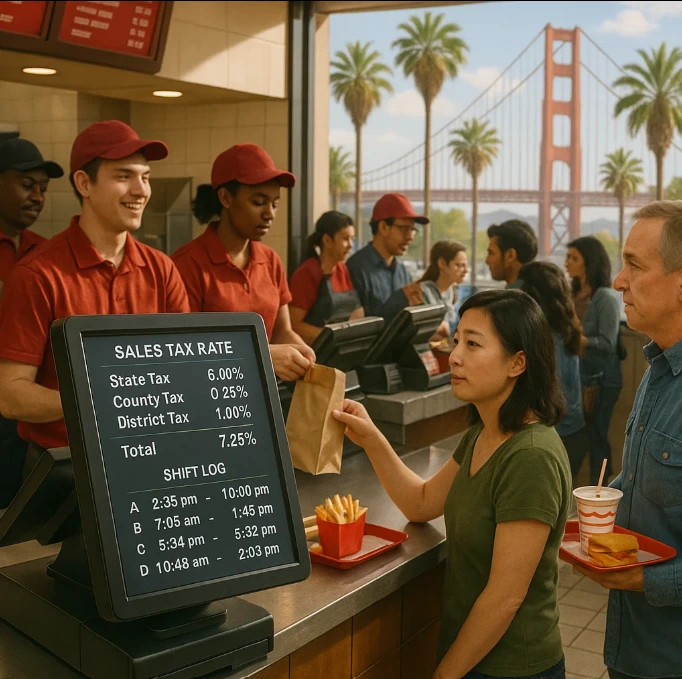
- The 80/80 rule can mean you pay tax on 100% of sales
- Base 7.25% state tax plus local jurisdictions reaching 10.75%
- Labor law triggers start daily after 8 hours, not weekly
- Meal and rest break rules are enforced strictly
What helps:
A POS that supports manual tax configuration, logs break compliance, and helps manage employee shifts without surprises.
2. Texas: Lean Regulations, Strong Demand
44,177 total restaurants, projected 3.3% franchise growth rate in 2025. Texas offers one of the most business-friendly environments in the country, which is why thousands of franchisees are choosing to scale here.
What’s driving growth:
- No state income tax
- Expanding urban markets
- Fast-growing consumer base
Key compliance factors:
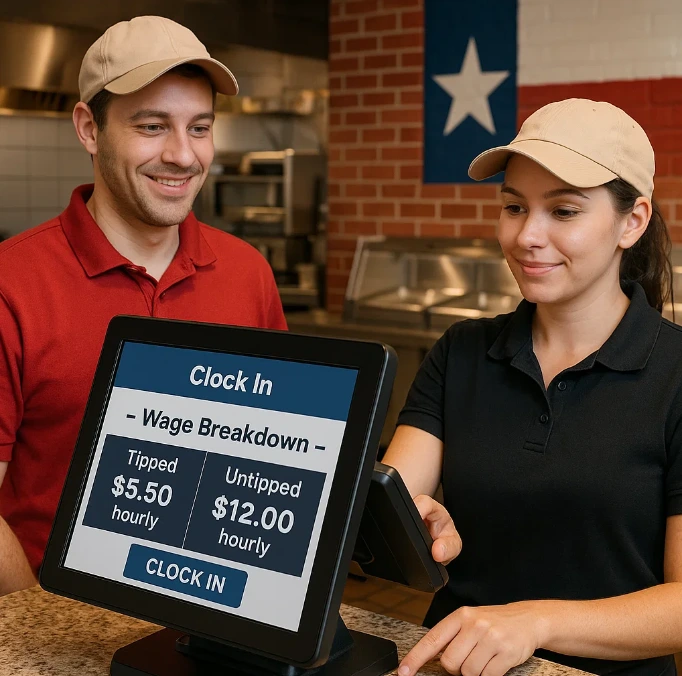
- Tip credit rules: $2.13/hour for tipped staff
- Local sales taxes vary up to 8.25%
- Simple overtime rules, but poor tracking can still cost you
What helps:
A POS that can cleanly separate tipped and hourly staff, map local taxes, and produce clean payroll exports.
3. Florida: The Volume Game
Florida has nearly 35,000 restaurants and continues to add thousands more. But tourism-driven growth brings its own set of challenges.
Why it’s booming:
- No state income tax
- Strong tourism and delivery demand
- Fast migration growth
Where operators get stuck:
- Tax on prepared meals (but not always cold items)
- County surtaxes vary by location
- No required breaks, but federal labor rules still apply
What helps:
Menu-level tax mapping, flexible scheduling, and audit-ready labor tracking from your POS.
4. New York: Premium Market, High Stakes
In cities like New York, consumers spend more — but so do operators who don’t understand the compliance landscape. 34,359 total restaurants, strong urban density supporting high per-capita spending.
Why QSRs choose NY:
- High per-capita spending
- Strong urban density
- Brand visibility in premium markets
What makes it tricky:
- Fair Workweek laws require advance scheduling, recordkeeping, and predictability pay
- Minimum wage rules vary
- Health grade impacts traffic and ratings
What helps:
Labor forecasting tied to sales data, scheduling tools built into your POS, and clear audit logs for every shift.
5. North Carolina: The Scalable Option
14,455 total restaurants and #2 state for franchise growth in 2025. This state is a quiet winner for QSR growth. It doesn’t have California’s complexity or New York’s premiums, but it’s easy to scale here.
What’s working for operators:
- Strong franchise growth
- Raleigh and Charlotte are key metros
- Business-friendly state oversight
What to know:
- No mandatory meal/rest breaks for employees 16 and older, but must provide 30-minute break for under-16 employees after 5 hours of work
- State follows federal labor law, but reporting matters
What helps:
Role-based permissions in your POS, plus shift-level logging that keeps records clean and audit-ready.
6. Georgia: America’s Franchise Capital
15,864 total restaurants and #1 state for franchise growth in 2025 with 6.7% projected growth. In 2025, Georgia is expected to lead the U.S. in franchise growth. The state is making it easy for QSRs to plant their flag.
Why it’s a top pick:
- Affordable cost of entry
- Streamlined regulatory processes supporting rapid expansion
- Atlanta's infrastructure
- $37 billion+ in franchise economic output
What to manage:
- No surprises, but clean reporting is essential
- Regulatory process is fast, but unforgiving if neglected
What helps:
Centralized menu management, clear daily closeouts, and customizable tax and payroll reporting.
7. Arizona: Strong Growth, Unique Taxes
9,170 total restaurants and #4 state for franchise growth in 2025. Arizona is expanding fast, but its tax system operates differently than most states. Many operators miss this during early setup.
Why chains are expanding here:
- Metro growth in Phoenix and Tucson
- Yuma among top franchise growth markets
What’s different:
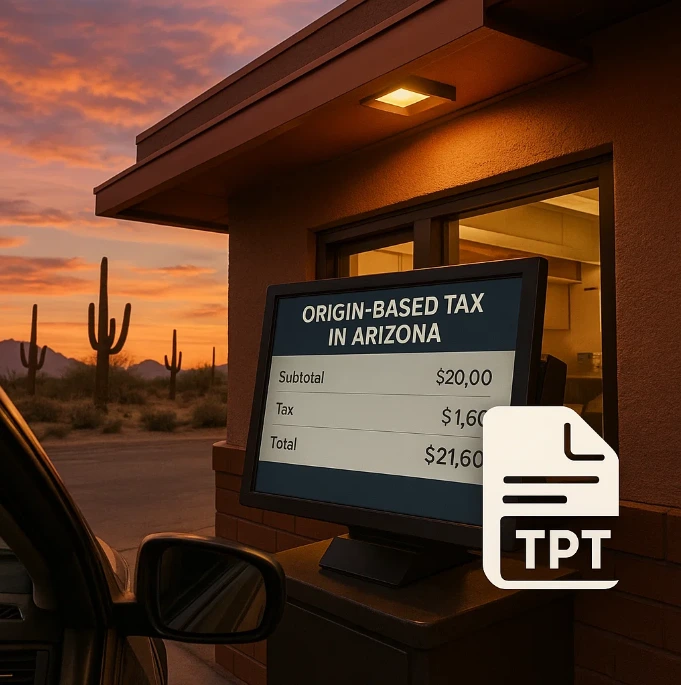
- Origin-based tax system (tax based on seller’s location)
- TPT adds another layer of local variation
- Hot meals, sandwiches, and food served with tableware are taxable
What helps:
A POS that handles origin-based taxes and allows for manual overrides based on exact address and product category.
8. Virginia: High Growth, High Stability
12,166 total restaurants and #3 state for franchise growth with 6.00% projected growth in 2025. Virginia is close to several metro markets, and it’s expected to add over 1,400 franchise businesses this year alone.
What’s appealing:
- Diverse workforce
- Balanced urban-suburban spread
- Business-friendly incentives for multi-unit operators
What to keep in mind:
- High growth doesn’t mean low risk — reporting still matters
- Payroll and gross revenue reporting must be accurate
What helps:
QuickBooks integrations, cloud backups, and centralized dashboards for region-wide oversight.
9. Pennsylvania: The Reliable Middle Ground
With over 18,000 restaurants, Pennsylvania is a mature QSR market — but still open to new formats and delivery-first models.
Why it’s attractive:
- Access to urban consumers
- Cost-effective second markets (e.g., Allentown, Harrisburg)
- Established delivery infrastructure
Where things get tricky:
- Tip credit rules apply only if employees make more than $135/month in tips
- Overtime after 40 hours
- Wage compliance is monitored closely
What helps:
Tip pooling features, pay threshold alerts, and state-by-state reporting are must-haves in your POS.
10. Tennessee: Low Overhead, Fast Decisions
10,118 total restaurants and #7 state for franchise growth in 2025. Tennessee offers simple tax structures and favorable regulations, which is why franchise groups are expanding here aggressively.
Why QSRs are scaling fast:
- No income tax
- Favorable thresholds for business tax
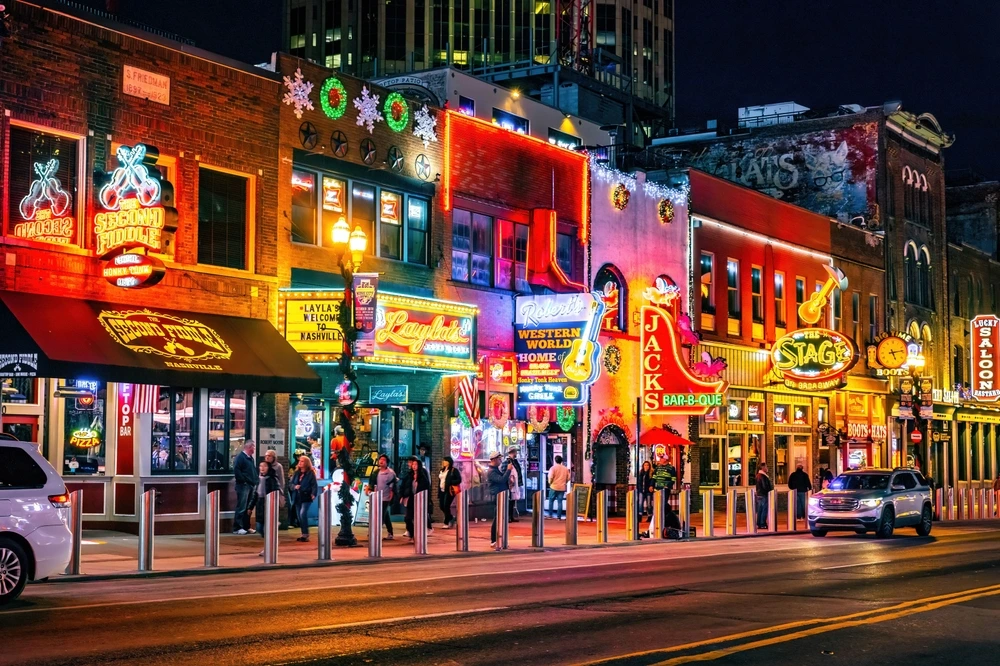
- Strong growth in Nashville and secondary cities
What operators need to handle:
- Franchise tax (0.25% on net worth)
- Higher reporting requirements once you cross $100K gross receipts
What helps:
A POS that tracks store-level revenue cleanly and helps you plan taxes before the year ends.
What Smart Operators Look for in a POS System Today
Growth is exciting — but it comes with risk. If your POS system doesn’t support multi-state operations, compliance automation, or audit preparation, it may slow you down more than it helps.
.webp)
.webp)
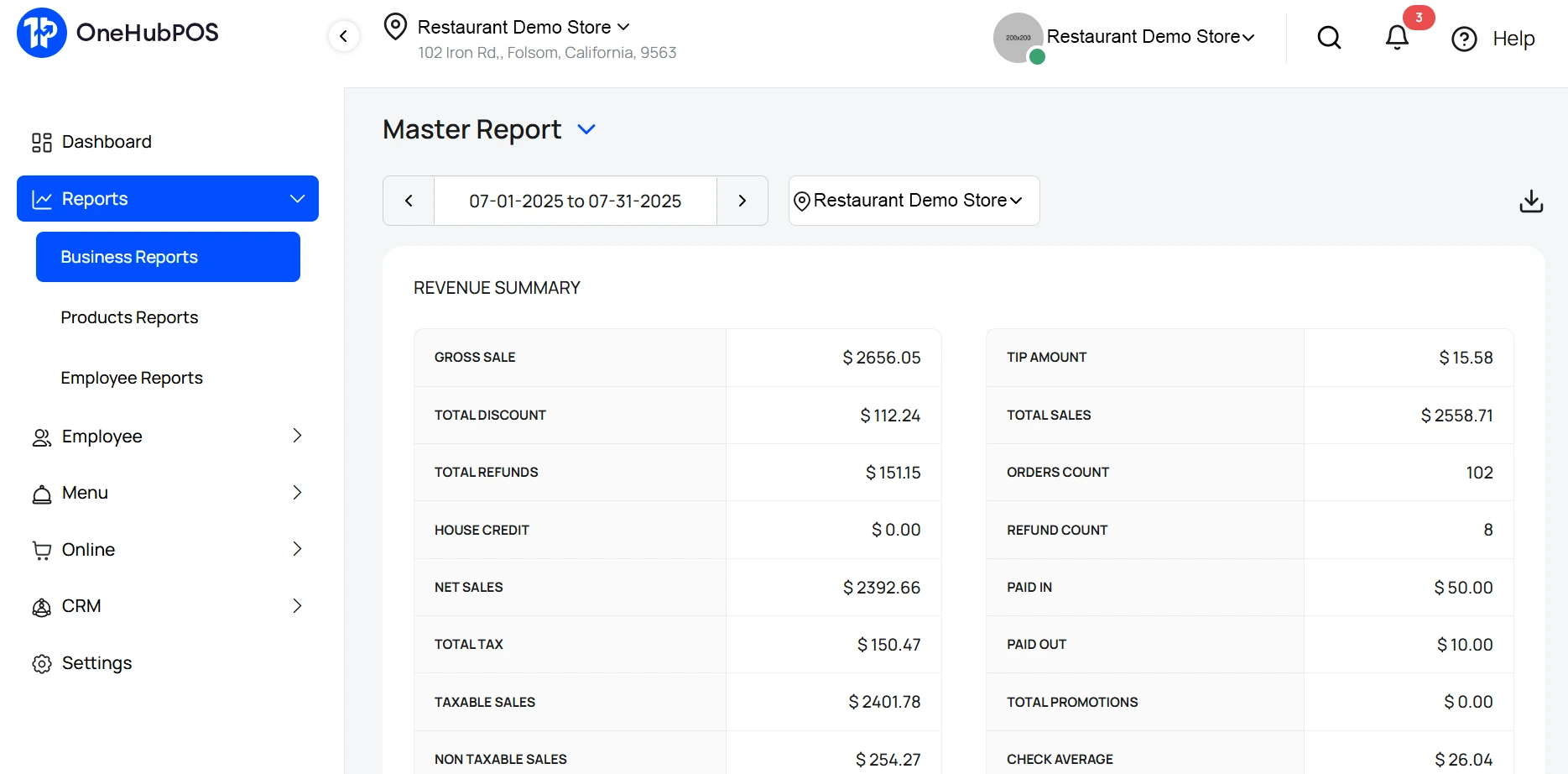
Here’s what multi-location QSR owners are demanding in 2025:
Final Thoughts: You Can’t Scale What You Can’t See and Control
Expansion without compliance is a gamble. Growth-focused QSRs don’t just think about their next location — they think about what each state demands, how their team operates, and whether their tools support them at scale.
That’s where OneHubPOS fits in. Our system is designed for operators who want full visibility, manual control where it matters, and integrations that simplify the back office.
If you’re ready to grow without losing sleep over labor rules or tax deadlines, we’re ready to show you how.
Talk to our team to see how OneHubPOS supports multi-location QSRs that want to move fast — and stay compliant.
5 min read
Ever wondered why some cities are booming with bustling food trucks while others barely have any?
If you’ve strolled through Portland or Denver, you’ve likely seen a line of food trucks serving gourmet tacos, Korean BBQ, or artisan coffee. But try doing the same in Boston or San Francisco, and you’ll quickly realize it’s not that simple.
So what’s driving this difference?
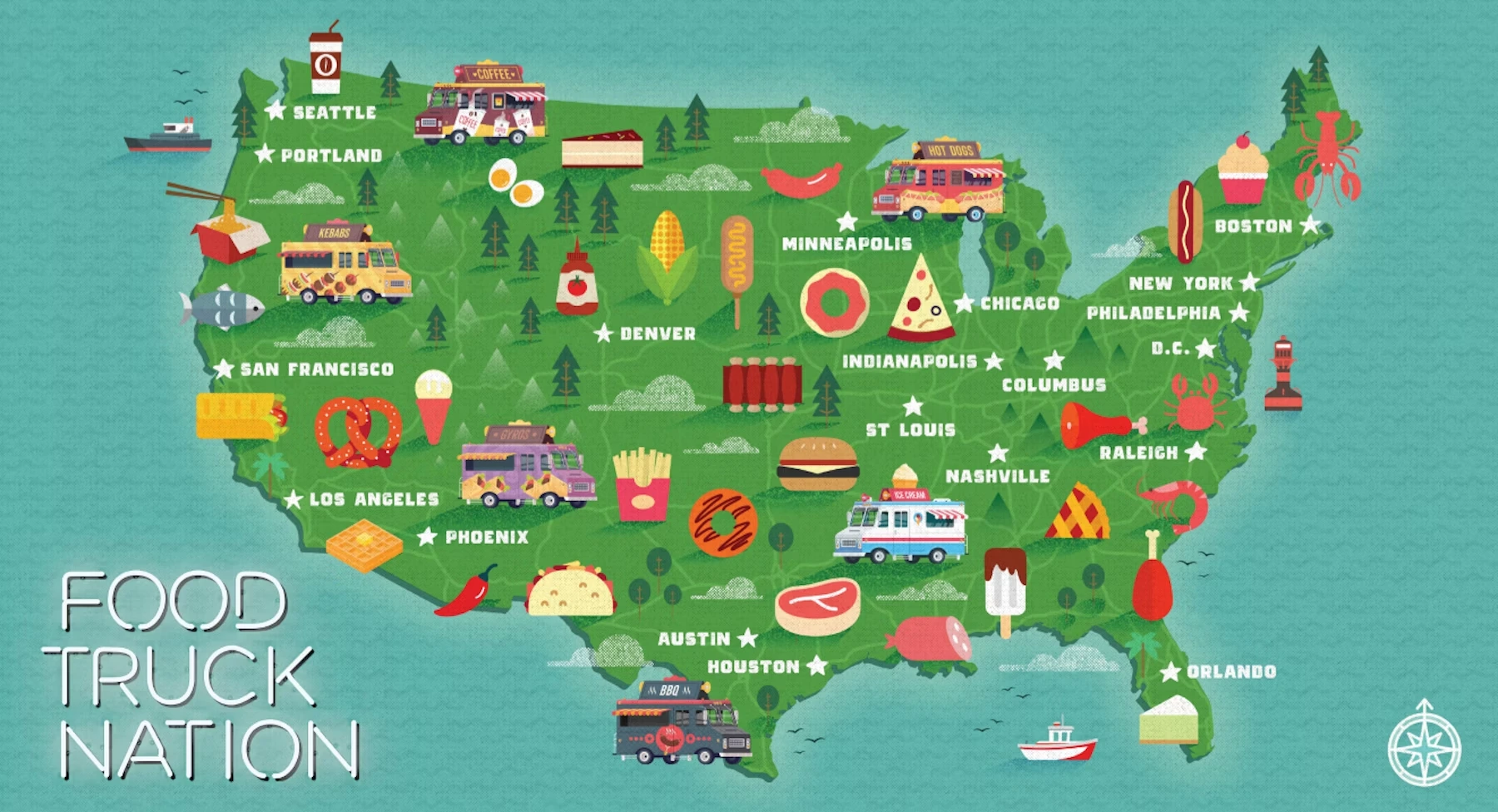
The Food Truck Nation Index is a data-driven measure that ranks U.S. cities on how easy or hard it is to start and run a food truck. Created by the U.S. Chamber of Commerce Foundation in partnership with NDP Analytics, this index gets deep into the rules, red tape, and real-world challenges that mobile food entrepreneurs face.
In this blog, we’ll break down what exactly the Food Truck Nation Index is and how it’s calculated. We'll also find out what the rankings reveal about doing business from a truck. Let's get started!
Where Did the Food Truck Nation Index Come From?
You may find the modern food truck wave trendy and new. But do you know that mobile food vending in America actually dates back centuries? Think chuckwagons in the Wild West or hot dog carts on busy city streets.
But the gourmet food truck boom, as you know it, really took off in the late 2000s.
Roy Choi’s iconic Kogi Korean BBQ truck in Los Angeles used social media to draw crowds to fresh, fusion-style tacos. Kogi’s runaway success inspired thousands of entrepreneurs to start food trucks. That was the spark!
Fast forward to 2018: recognizing how popular and impactful this industry had become, the U.S. Chamber Foundation launched the Food Truck Nation report. The goal = spotlighting the local rules and policies that either help or hinder food truck businesses.
What Exactly Is the Food Truck Nation Index?
The Food Truck Nation Index is a comprehensive scorecard that ranks 20 major U.S. cities on how friendly or unfriendly they are to food trucks.
This list is based on real numbers. After all, it measures the hidden costs and complex regulatory journey food truck owners must go through, from licensing and permits to how far they must park from brick-and-mortar restaurants. Relying on POS reports instead of guesswork helps truck owners plan for hidden city costs.
In short, the Index shows how much:
- time
- money
- hassle
… it takes to open and operate a food truck in each city.
Why Does the Food Truck Nation Index Exist?
It was designed to:
- Highlight regulatory burdens so that local governments can see how their policies stack up
- Give entrepreneurs insight into where they might have a smoother ride
- Spark reform by encouraging cities to cut unnecessary red tape and support small businesses.
Simply put, the Food Truck Index is a simple, relatable way to understand “how much friction your local government adds to your entrepreneurial dreams.”
How Is the Food Truck Nation Index Calculated?
Building this index pulls together hundreds of data points from city laws, health codes, permit requirements, fees, and even real-world interviews with vendors.
Here’s how it works:
Step 1: Three Key Categories
The U.S. Chamber Foundation and NDP Analytics divided the regulatory burdens into three core areas:
Getting Started (Entry)
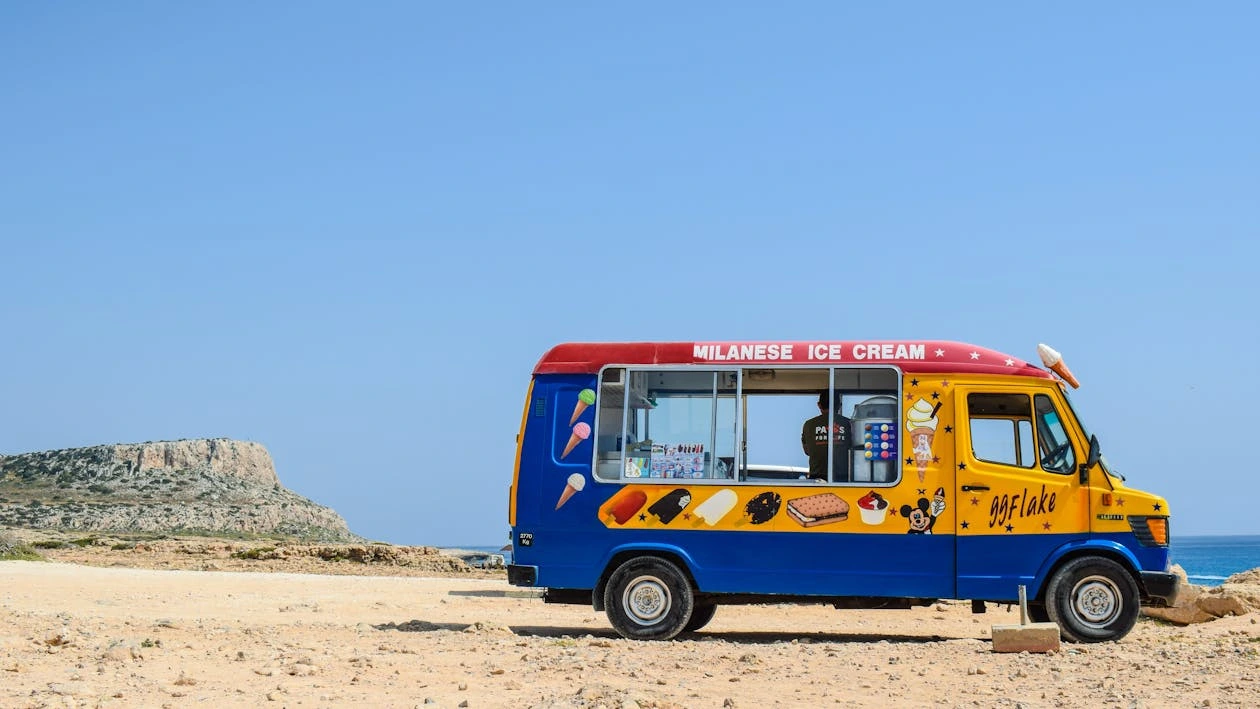
How difficult is it to launch a food truck? This looks at:
- the number of steps
- permits and licenses you need
- how long it takes to get started
- how much you’ll pay in upfront fees
Operations (Restrictions)
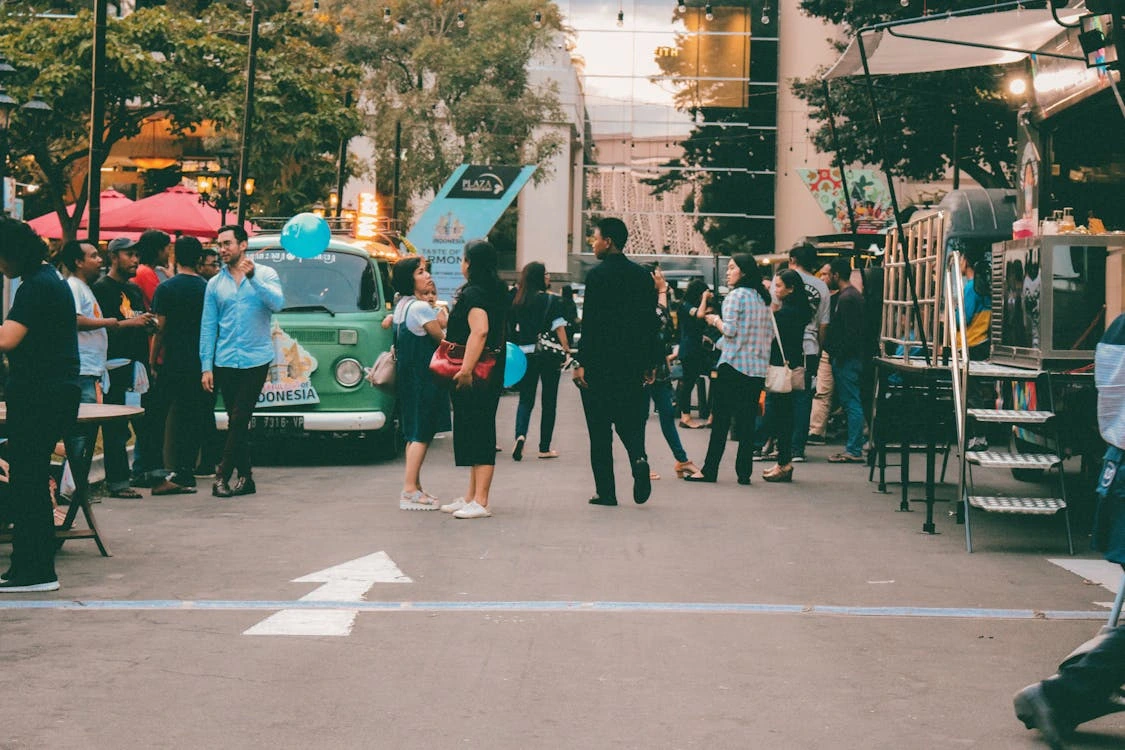
Once you’re on the road, what rules control where and when you can sell? Cities often limit:
- how close you can park to restaurants,
- how long you can stay in one spot
- what neighborhoods you can enter
These location and operation restrictions have a big impact on making a profitable kitchen. In competitive cities, some trucks use dynamic pricing to balance demand and operating limits.
Staying Open (Compliance Costs)
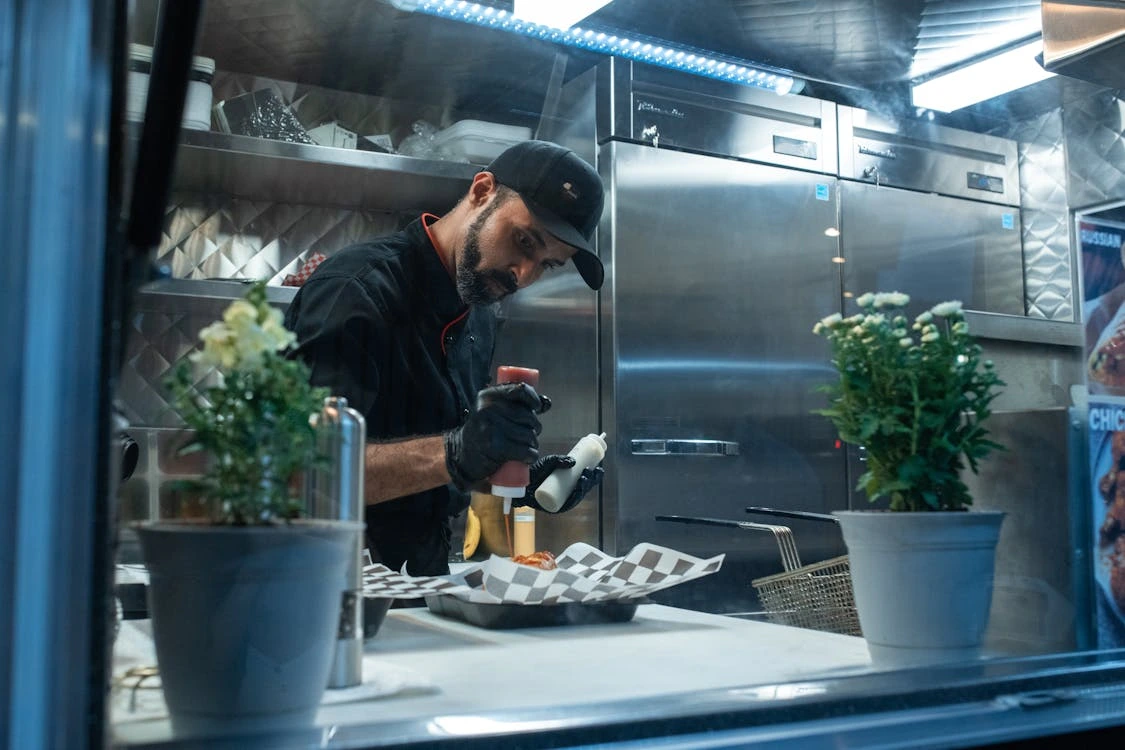
What does it cost each year to stay compliant? This includes:
- annual permit renewals
- required inspections
- any other recurring fees that come with keeping your business legal
Step 2: Gathering the Data

The researchers built a model truck:
- $250,000 annual revenue
- $150,000 in wages
- 3 full-time staff
Then, they calculated what it would take to run this model truck in each city:
- How many government offices do you have to visit?
- How much does each permit cost?
- How long does it take to get approved?
- What are the annual compliance expenses?
This method ensured the theoretical comparison was grounded in what a real food truck would face.
Step 3: Creating the Scores
Each city got a score for each category:
- Permitting: Total steps and time required
- Restrictions: How restrictive local rules are on locations and hours
- Costs: Annual compliance costs
Then, they combined these into an overall Food Truck Friendliness Score for each city.
A higher score means a friendlier city. A lower score? You’ll be dealing with more hurdles.
What Do the Rankings Show?
The findings are eye-opening. According to the Food Truck Nation report, the average food truck must complete 45 separate government procedures, takes about 37 business days to get running, and spends roughly $28,276 annually just to stay compliant. Getting your cash flow right is critical when so much money goes toward permits and renewals.
There’s huge variation city to city. Some places are genuinely welcoming to food trucks. But others make it feel almost impossible.
Top 5 Most Friendly Cities
- Portland
- Denver
- Orlando
- Philadelphia
- Indianapolis
5 Most Difficult Cities
- Boston
- Washington, D.C.
- San Francisco
- Minneapolis
- Seattle
Take Boston, for example. A vendor there must go through over many steps and pay nearly $38,000 per year in compliance costs. But if you compare that to Denver, you'll come to know that it’s way fewer steps and much lower fees.
With so much red tape to tackle, using the best food truck POS system can make day-to-day operations smoother and save precious time. Even in cities with hurdles, smart owners turn downtime into growth time.
Why Are These Differences So Big?
Many cities have outdated rules originally designed for pushcarts and sidewalk vendors. They don't suit modern food trucks with high-quality kitchens.
For example, some cities limit where food trucks can park. This forces them to stay a certain distance from brick-and-mortar restaurants. Some others cap how many vendors can operate in a neighborhood or impose burdensome parking time limits.
Does the Index Matter?
Absolutely. Here’s why:
- For entrepreneurs, the Index is a reality check. It can help you pick the right city, or prepare for the challenges in yours, along with coming up with growth strategies.
- For policymakers, it’s a benchmarking tool. Cities can see how they compare and where they need to cut back on red tape to support small businesses.
- For customers, it matters too! More food trucks mean more dining options, more local jobs, and more vibrant neighborhoods.
Wrapping Up
The Food Truck Nation Index, created by the U.S. Chamber of Commerce Foundation and NDP Analytics, ranks U.S. cities on how easy or hard it is to open and run a food truck. It measures three big factors:
- How complex it is to get started (permits, fees, and steps)
- Operating restrictions (like parking rules)
- Yearly compliance costs
Researchers calculate scores using real data and a model truck’s expenses. The Index reveals huge differences: cities like Portland and Denver are food-truck friendly, while Boston and San Francisco pile on red tape.
So, the Food Truck Nation Index is a lens on how well cities support everyday entrepreneurs. It measures the friction. It encourages change. And it helps ensure that our streets stay lively, diverse, and delicious.
Whether you’re in a friendly or tough city, having a POS truck helps you serve customers quickly and manage costs better. Ready to see how it works for your truck? Book a OneHubPOS demo today!
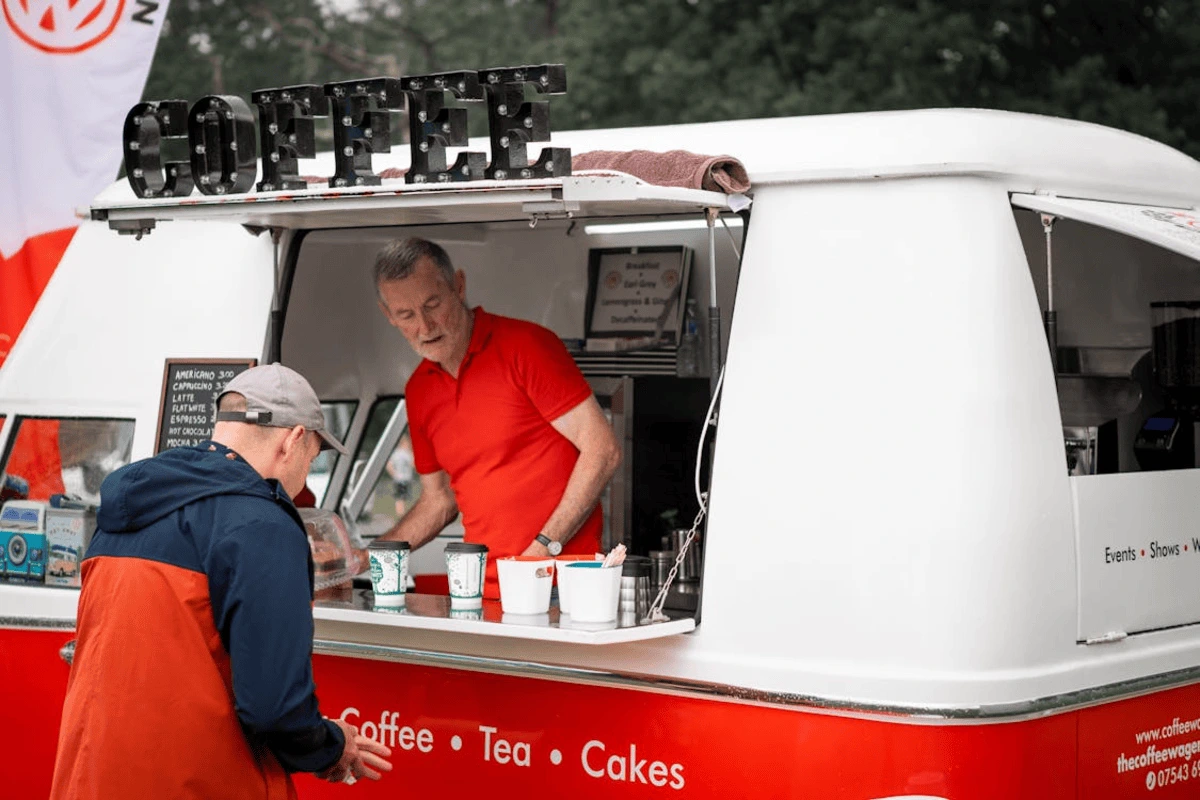
5 min read
Biggest rule before you start a food truck business, you must know this fact: the city you choose is just as important as your recipes.
Pick a place with hungry crowds, food truck-friendly laws, and year-round foot traffic, and you’re set to thrive. Park in the wrong spot? You’ll be fighting for scraps and spending more time hunting for parking than making sales.
In this quick guide, you’ll get the Top 10 best US cities for food trucks. Let's go!

Top 10 US Cities to Start a Food Truck (and What to Watch Out For)
Ready to see where your wheels could take you? Let’s dig into the best cities, what makes each one promising, and what you need to be cautious about when you start a food truck business.
Austin, Texas - A food truck paradise
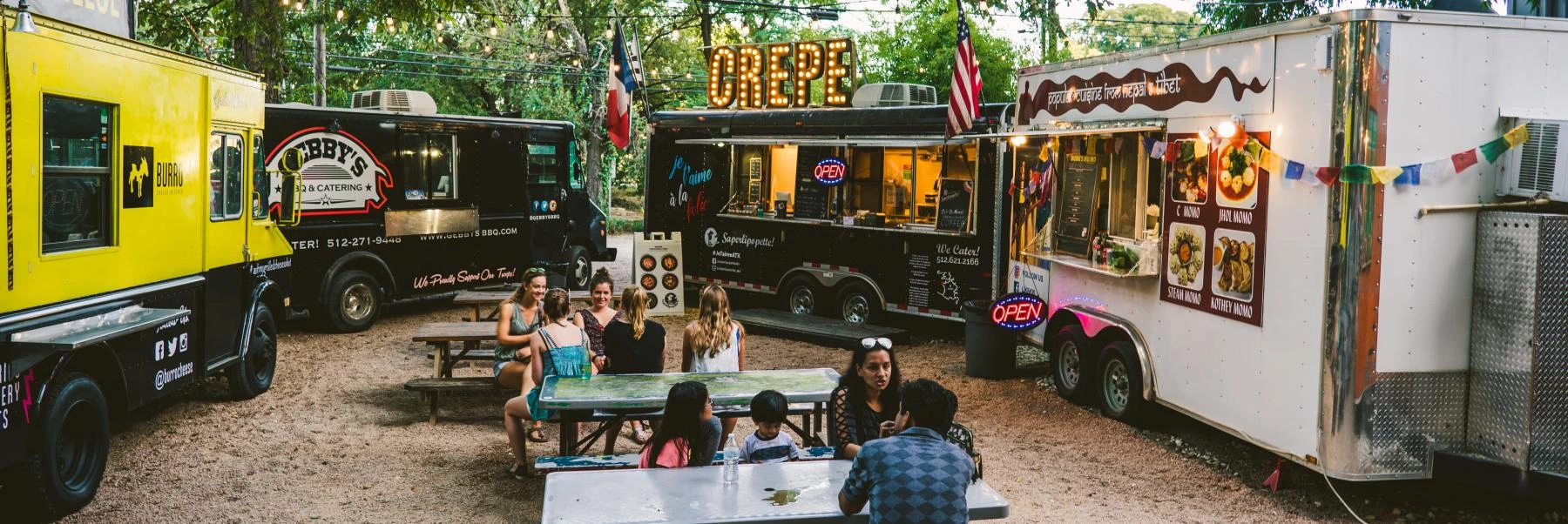
The Live Music Capital of the World isn’t just for guitar lovers.
Think SXSW crowds, ACL (Austin City Limits), and Pecan Street Festival. College students, hungry office workers, and festival-goers keep the lines steady. Legendary food truck spots like The Picnic, Rainey Street, and South Congress make it easier to find consistent foot traffic.
Look out for:
- Austin’s popular for a reason: over 1,000 trucks call it home. So, fierce competition.
- City permit fees can run $400–$1,000+ a year. Factor that in when you budget.
- Summers often exceed 100°F. Refrigeration + POS with outdoor-proof hardware is key.
Portland, Oregon - Enjoy food cart pods
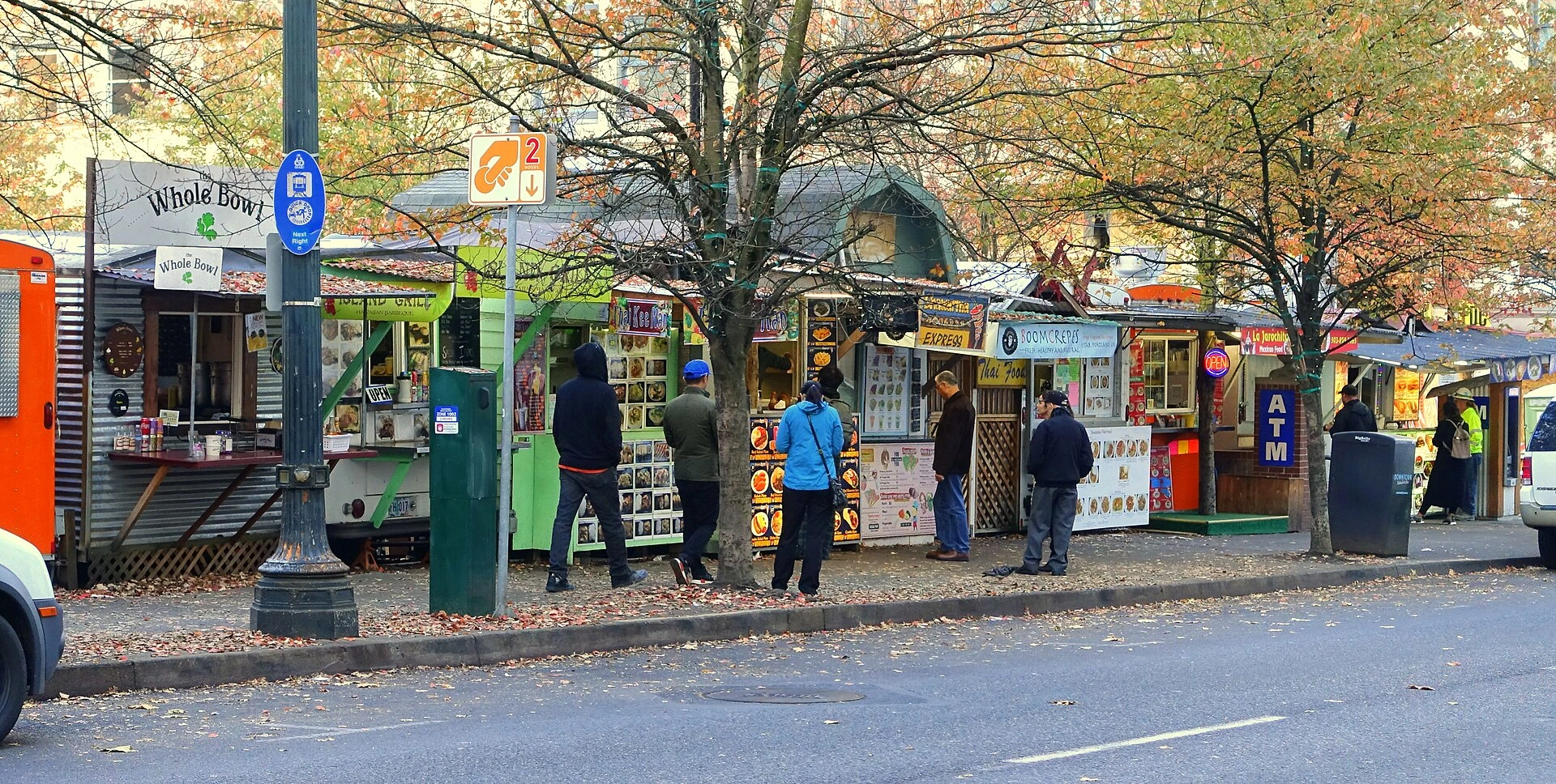
Check out food cart pods like Cartopia, Hawthorne Asylum, and the 5th Avenue Food Cart Pod–all magnets for the lunch crowd. Moreover, locals genuinely love supporting indie food businesses.
Just look at Lardo, Nong’s Khao Man Gai, and Kim Jong Grillin’. All started small and grew thanks to loyal neighborhood fans. Plus, your startup costs here can be lower than in giant cities like LA or NYC.
Look out for:
- Weather: 155+ rainy days/year; affects foot traffic. A POS with offline mode keeps you selling even when WiFi cuts out.
- Pod rents: ~$600–$1,200/month (depends on location and amenities)
- Operating Rules: Must follow DEQ waste disposal guidelines and Oregon Food Code (Mobile Unit Guidebook, 2024)
Denver, Colorado - Join the city’s vibrant food culture
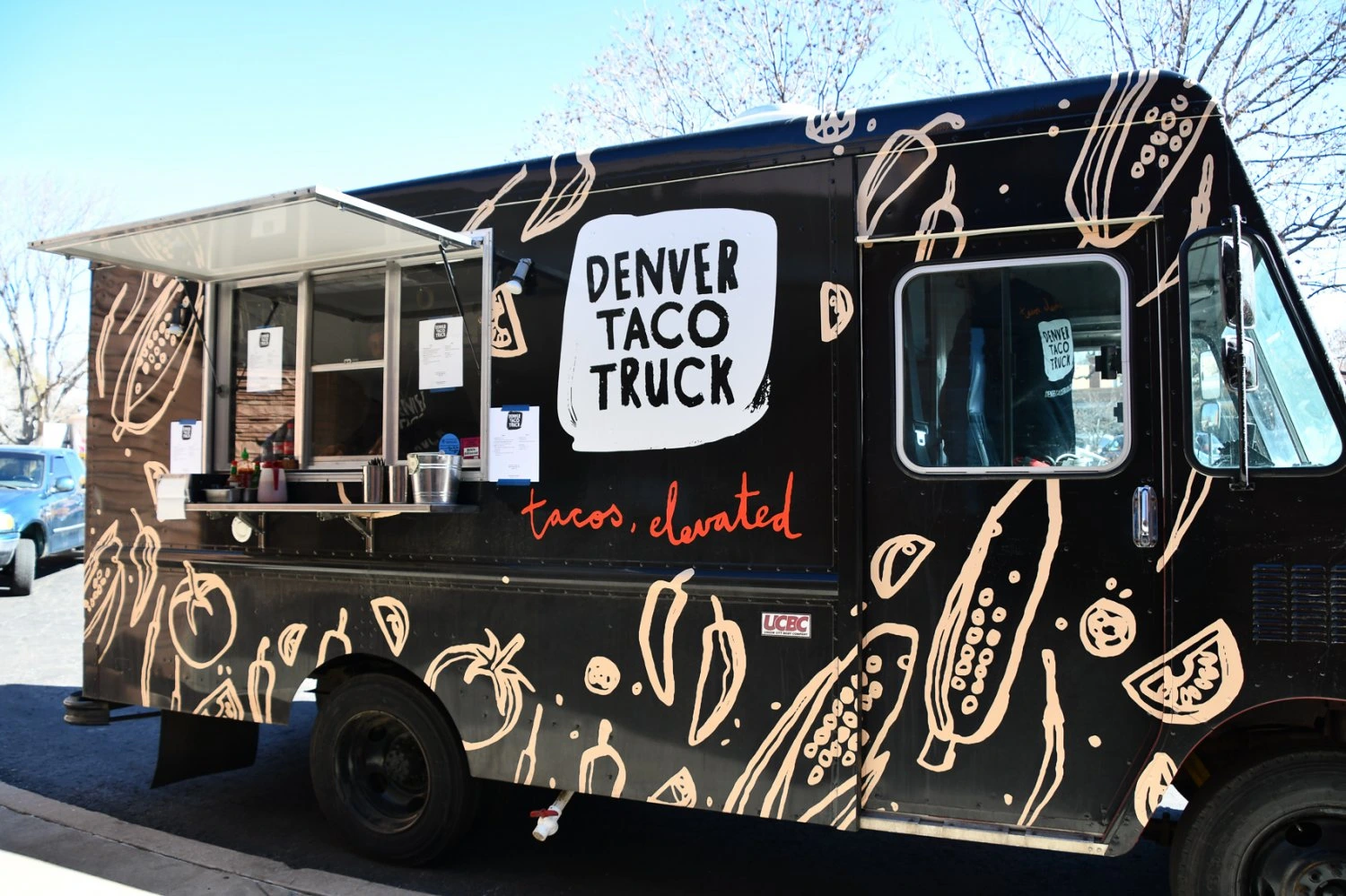
This craft beer capital has a booming brewery scene and young professional crowd. Breweries, summer fests like Denver Burger Battle, and markets like Denver Bazaar mean there’s always something happening outside. Young professionals and locals love eating outdoors. Perfect for your truck.
Look out for:
- Snows in Oct–April; trucks need off-season strategies
- State, county, AND city licenses needed – can take 6+ weeks
- Limited downtown vending hours in LoDo or Capitol Hill due to congestion rules
Los Angeles, California - A massive modern food truck scene
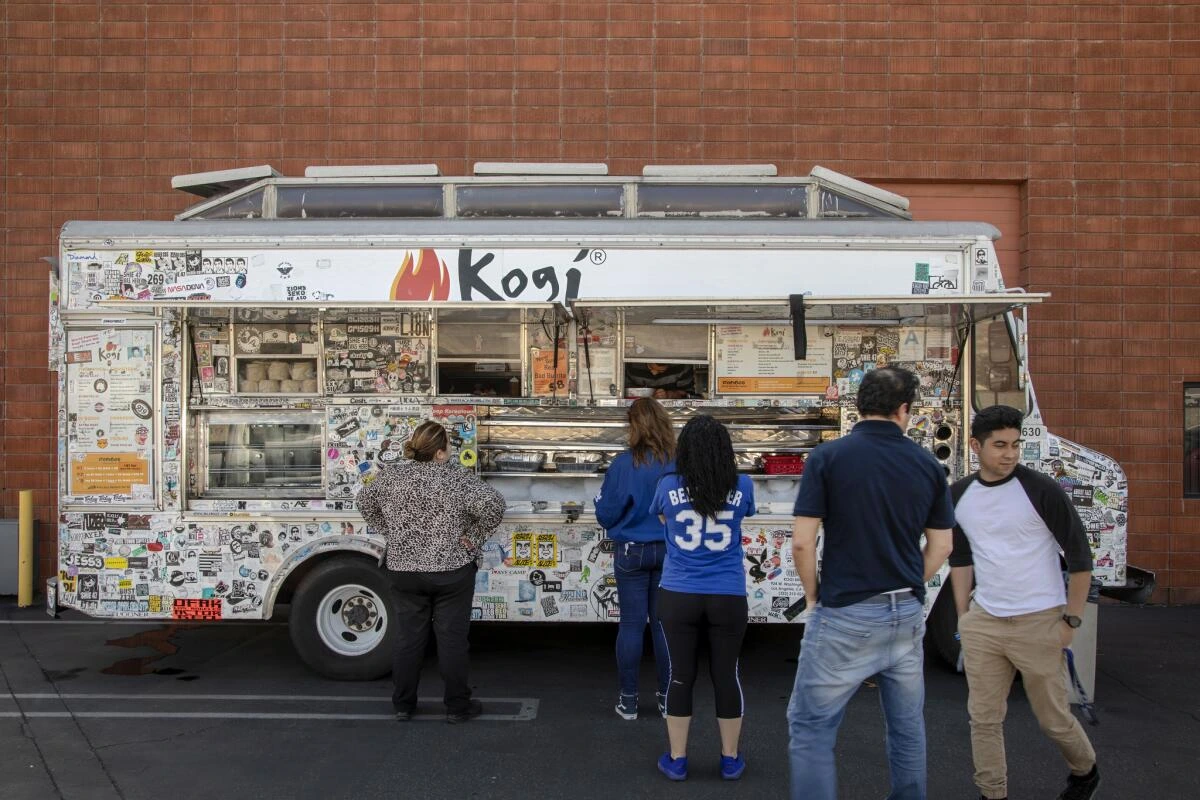
LA practically invented the modern food truck boom. Remember, Kogi BBQ?
A massive, diverse population plus film shoots and events like Downtown LA Art Walk and Venice First Fridays mean a big opportunity for bold, creative menus.
Having said that, competition is next-level here. Plus, parking can be a real headache thanks to strict street vending zones, limited curb space in busy areas like Silver Lake and Echo Park, and rules about staying a certain distance from brick-and-mortar restaurants. So, check the LA Street Vending Ordinance before you roll in.
Look out for:
- Street vending laws: LA Street Vending Ordinance restricts parking within 500 ft of a brick-and-mortar restaurant
- Curb space battles: Competition for premium spots like Abbot Kinney or Echo Park
- Health grading system: Like restaurants, trucks get public letter grades — A/B/C based on inspection (must display)
San Diego, California - Coastal haven for food trucks
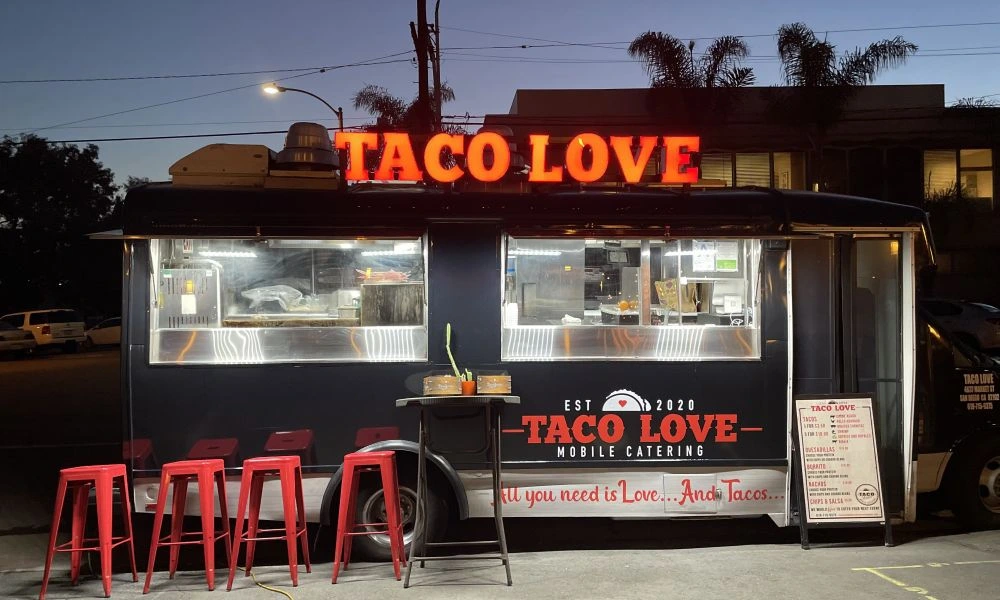
Year-round sunshine and a massive tourist scene make San Diego a coastal haven for food trucks. Beachgoers at spots like Pacific Beach, Mission Beach, and the Embarcadero Marina Park keep foot traffic steady, along with college students and busy downtown workers.
But scoring prime coastal spots like La Jolla Shores or Coronado Beach can be tough. Why? Because competition is high and some areas fall under California Coastal Commission rules, which often require special permits. So, research carefully and lock in your locations early to stay ahead.
Look out for:
- Coastal Permits: Areas near the coast need Coastal Commission permits — hard to get
- Zoning Restrictions: Not all beach areas are food truck-friendly (check SD Zoning Map)
- Events-Based Revenue: Many successful trucks rely on festivals or private catering gigs
Nashville, Tennessee - City of music + food trucks
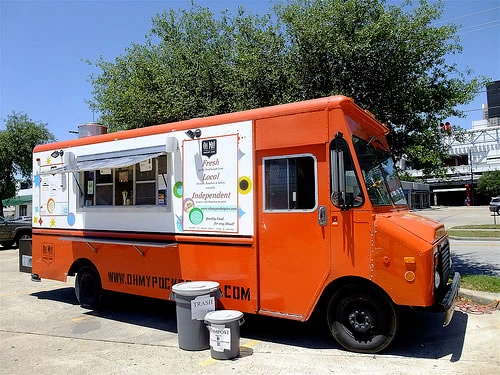

Music City is booming with tourists and has a great food truck scene, especially around outdoor concerts at places like Ascend Amphitheater, big downtown festivals, and events on Broadway or near Vanderbilt University.
Note that winters in Nashville can be chilly enough to keep people indoors. So, fewer crowds wandering up to your truck. Plus, the city’s buzz depends a lot on big concerts and festivals. So, some weekends will be packed. But others can feel slow if no shows are on.
Look out for:
- Seasonality: Winter can reduce outdoor activity — need event-based bookings or winter menus
- Permit backlog: Only ~40 street food vending permits issued per year in some zones (Metro Nashville Code)
- Health Standards: Trucks must return to commissaries daily — critical when planning logistics
Raleigh-Durham, North Carolina - Be a part of Food Truck Rodeos
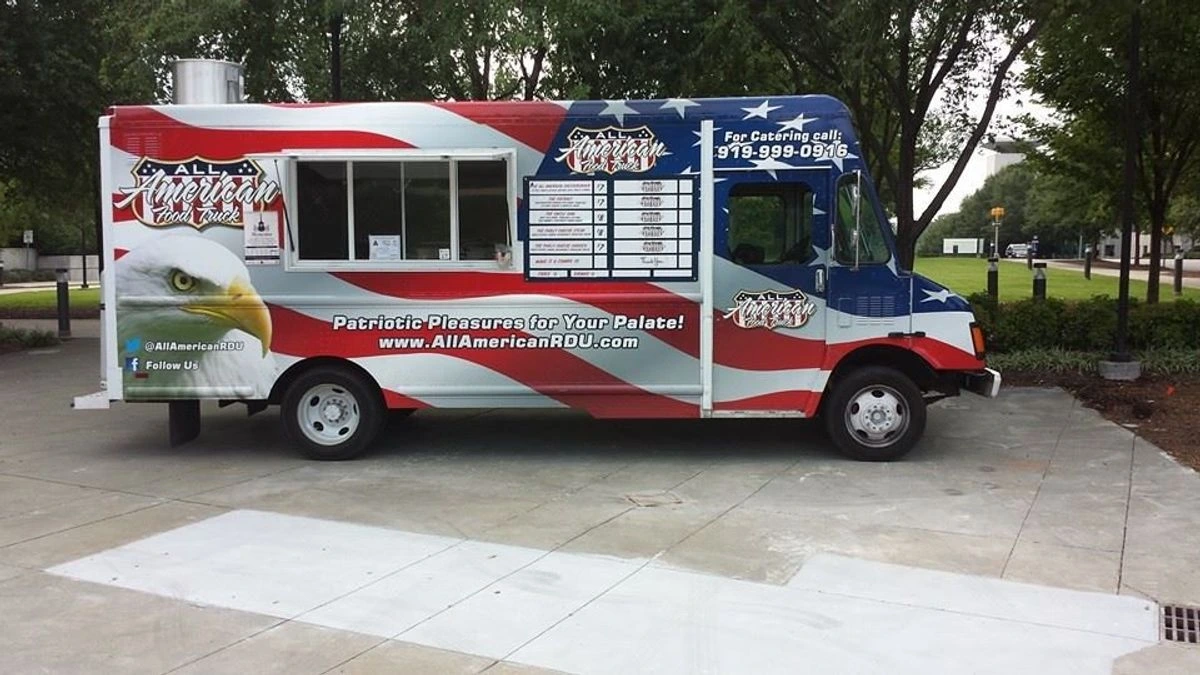
This booming region is home to big universities like Duke, UNC Chapel Hill, and NC State, plus tech hubs like Research Triangle Park, Red Hat, and IBM. So, a steady stream of hungry students and office workers!
The community even hosts regular Food Truck Rodeos. These are big events where dozens of trucks gather in places like Durham Central Park for crowds to sample them all in one spot.
But spots near popular campuses like Franklin Street in Chapel Hill, Hillsborough Street by NC State, or downtown Durham can get fiercely competitive. Plus, some neighborhoods have strict parking rules, so always double-check local ordinances before you start. Plus, some areas have parking restrictions you’ll want to check before committing.
Look out for:
- Campus Restrictions: Duke and UNC restrict food truck parking unless pre-approved
- Strict zoning laws: Durham’s Unified Development Ordinance (UDO) limits hours and distance from homes
- Event Dependency: Rodeos are high-traffic but happen only ~5–6 times a year
Houston, Texas - Land of global fusion trucks
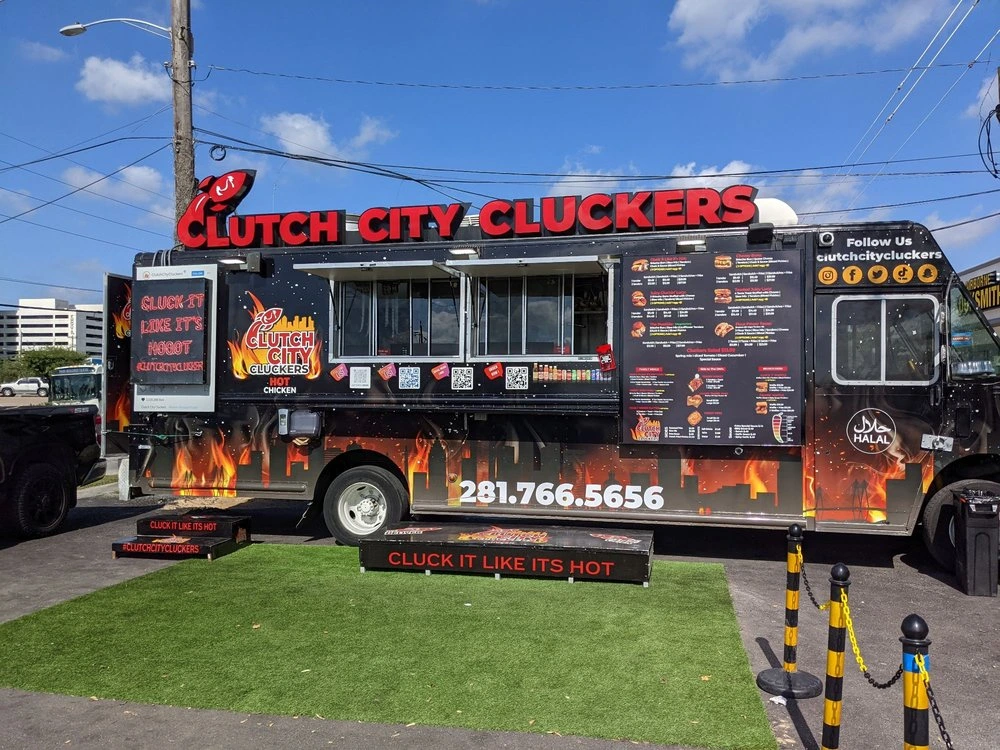
Houston’s population is huge and incredibly diverse. Doesn't this sound like a dream if you want to try unique global fusions? Of course, it does! The city’s brewery scene is also growing fast. Plus, big parking lots mean trucks can flourish if they build good partnerships.
Considering that Houston is sprawling, you may experience higher fuel costs and more time driving between prime spots. Without careful route planning, you could eat up your profits on gas alone.
Look out for:
- Sprawl: You’ll need to drive more — average commute time between busy areas = 35+ mins
- High gas + tolls: Plan your locations to reduce gas costs
- Rainy Season Flooding: Hurricane-prone season (June–Nov) affects operations; prep backup indoor gigs
Seattle, Washington - A growing food truck scene
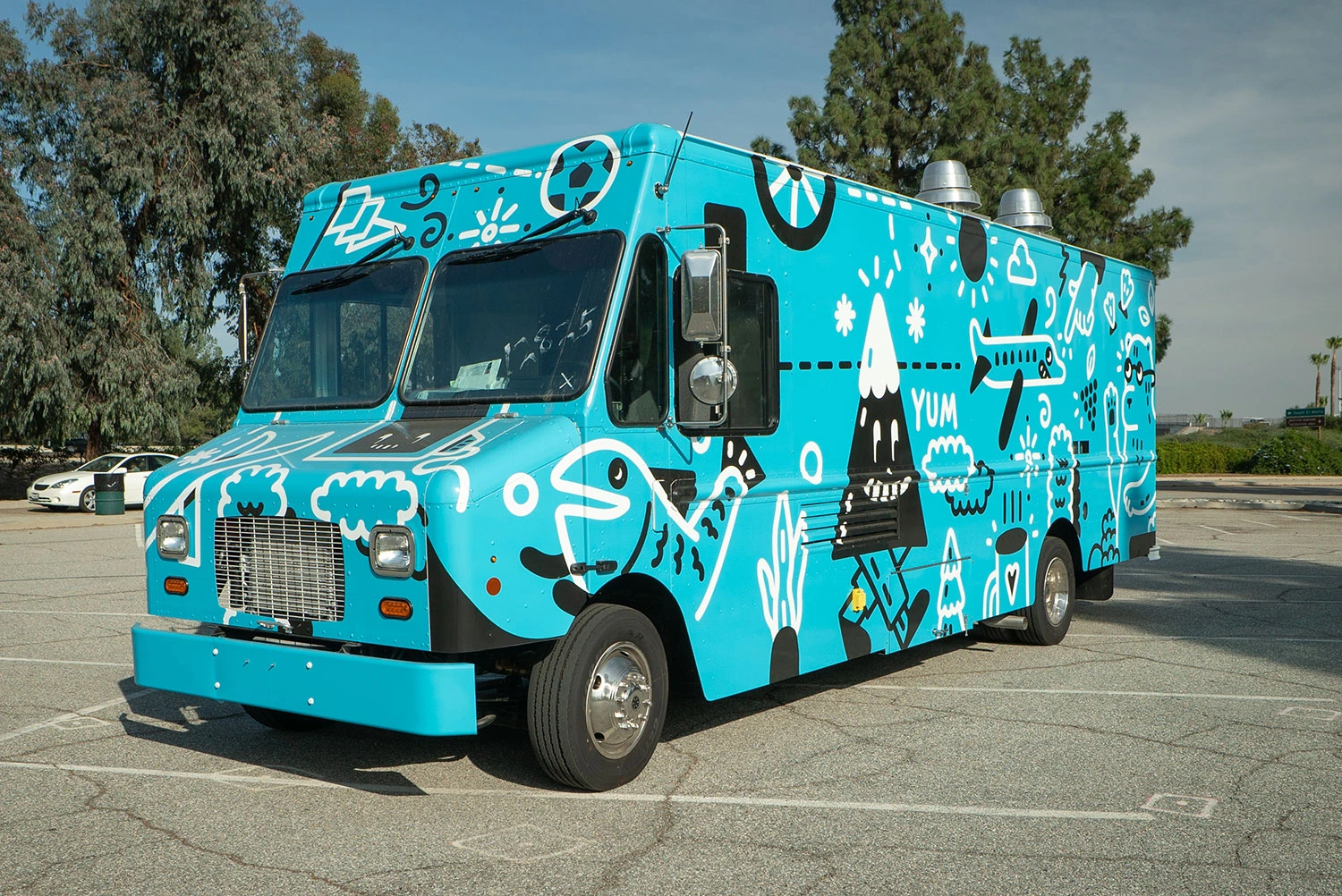
Tech companies, wealthy professionals, and an adventurous foodie scene make Seattle a strong contender for a truck with gourmet options. There’s also a growing event catering market here.
It’s no secret: it rains a lot! Be ready for seasonal dips and research which parking zones have the best foot traffic. Also, some areas are pretty restrictive about where trucks can park, so do your homework.
Look out for:
- Rain (155+ days/year): Plan tent setups and POS with offline backup
- Restrictive Zones: Downtown Seattle and Belltown have limited truck access
- Wastewater Management: City has strict greywater disposal laws
Orlando, Florida - Home to Food Truck Nation!
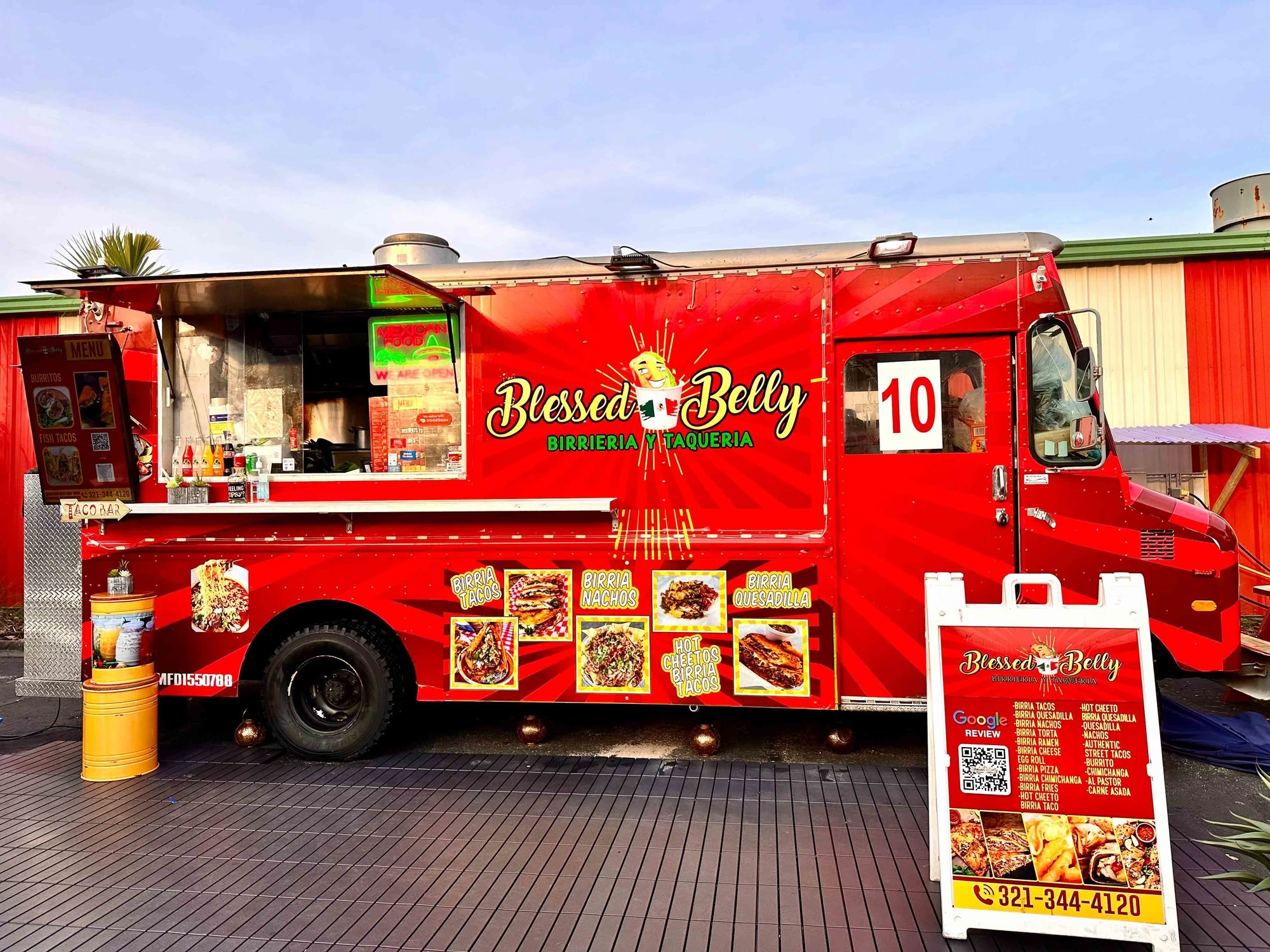
Home to theme parks, conventions, and massive tourist traffic, Orlando offers you a huge seasonal crowd hungry for fun food options. Plus, the weather is food-truck-friendly most of the year.
But you may not find one single “daily” spot that works year-round. Many trucks here rely on catering gigs and festivals to hit their numbers. So, choose a flexible POS that makes it easy to handle both event catering orders and your daily menu management.
Look out for:
- Transient Audiences: Fewer loyal daily regulars, more tourist-dependent sales
- Summer Humidity: Affects equipment, refrigeration, and food quality
- Licensing Complexities: Florida requires a state-level DBPR mobile food license + local health inspections
Keep Your Food Truck Going with OneHubPOS
Whether you’re parking under Austin’s festival lights or rolling up to a Seattle tech campus, the winning combo is simple: right city + smart operations = a food truck that flourishes. Be prepared - check out this article on weather condition and food truck sales by Food Truck Nation CEO, Nadeem Battla.
The best food truck POS systems make all the difference when you’re juggling orders, loyal customers, mobile payments, and surprise rush hours.
OneHubPOS is built to help you do everything, from menu engineering to dynamic pricing and contactless payments that keep your line moving fast.
Ready to serve more and earn more? Book a OneHubPOS demo today and let’s get your food truck running profitably, wherever you park!